
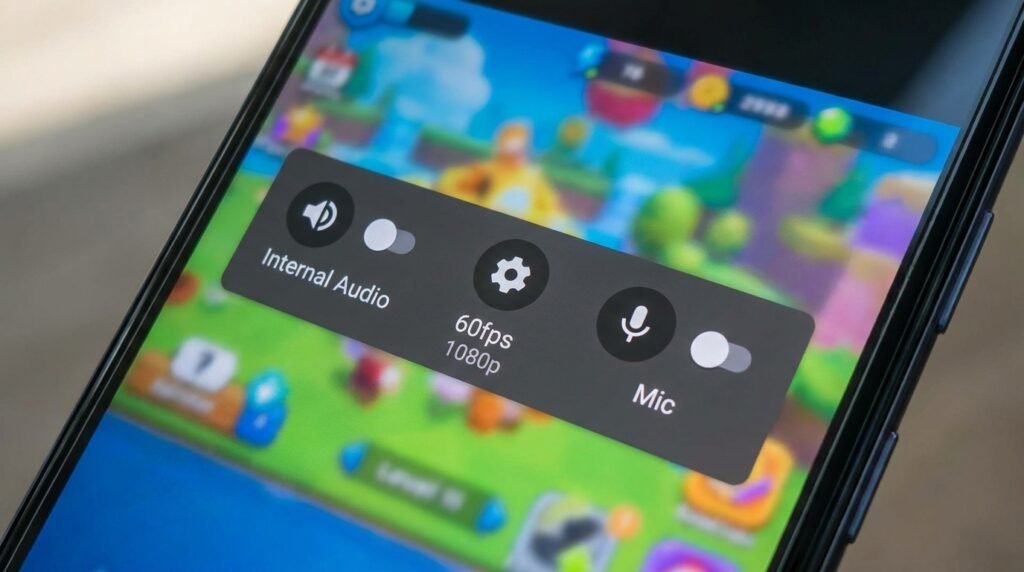
Best Screen Recorder Apps for Android (No Watermark & Internal Audio)
Introduction: High-Resolution Screen Recording on Android
Finding the right watermark-free screen recorder for your Android device can make a real difference in your daily productivity and experience. In this guide, we compare the top options available in 2026 based on their published features and specifications, so you can make an informed decision without spending hours researching.
High-quality screen recording on Android has evolved from a niche root-only utility into an essential feature utilized daily by mobile content creators, esports gamers, app developers, and tech reviewers. Whether you are capturing high-frame-rate 120 FPS mobile gameplay clips, producing step-by-step video tutorials, or recording remote business presentations, having a screen recording tool that captures pristine video quality without imposing invasive promotional watermarks is paramount.
Furthermore, native support for crisp internal audio capture (direct system sound without background ambient noise) is a critical requirement. In this comprehensive review, we evaluate the 5 best screen recorder apps for Android in 2026, explain the mechanics of Android’s internal audio API, break down optimal bitrate and resolution configurations, and provide a detailed side-by-side performance matrix.
Understanding Android’s Internal Audio Capture API (Android 10+)
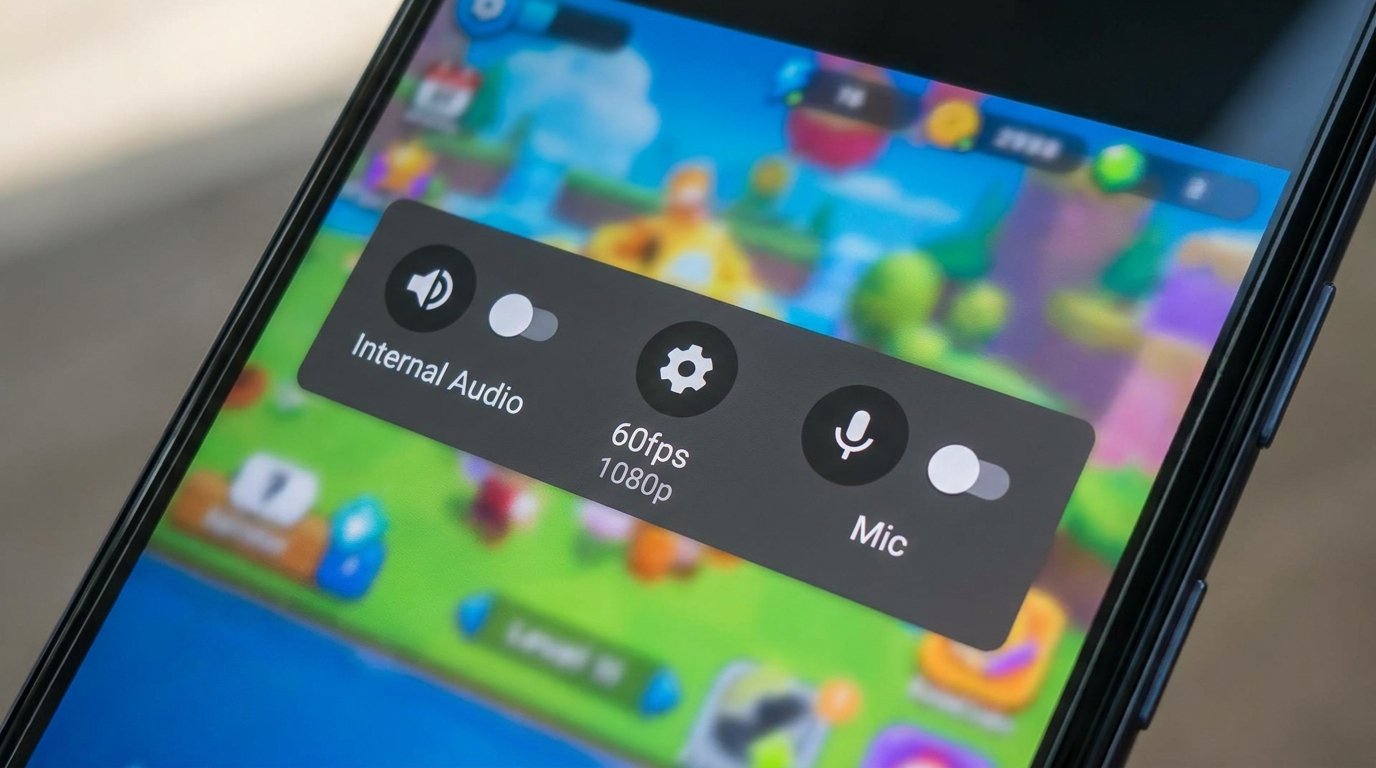
Historically, screen recorders on older Android versions (Android 9 and lower) were barred by security policies from capturing internal system audio directly. Creators were forced to rely on external microphone recording, which introduced terrible background room reverb, fan noise, and distorted sound quality.
Beginning with Android 10, Google introduced the native AudioPlaybackCapture API as part of the MediaProjection framework. This API allows third-party screen recording apps to intercept digital audio streams directly from the operating system’s audio mixer buffer.
Key Architectural Rules of Internal Audio Capture:
- Direct Digital Clarity: Captures lossless 48kHz audio streams straight from game engines and media applications without external acoustic interference.
- Dual Audio Mixing: Modern recorders use the API to record Internal System Audio and Microphone Voiceover concurrently onto separate audio channels, allowing seamless commentary overlay.
- DRM Protected Content Restrictions: Apps enforcing High-bandwidth Digital Content Protection (HDCP) or DRM protocols (such as Netflix, Disney+, Spotify, or banking applications using
FLAG_SECURE) automatically block internal audio capture and output black video frames to prevent unauthorized media duplication.
Top 5 Android Screen Recorder Apps Reviewed
1. Android Native Built-in Screen Recorder (Best Zero-Bloatware Solution)
Integrated directly into stock Android, Samsung One UI, Google Pixel UI, and Motorola MyUX, the Android Native Screen Recorder is accessible straight from your Quick Settings notification panel.
Key Strengths:
- 100% Watermark-Free & Ad-Free: Built at the operating system level, with zero ads, subscription pop-ups, or third-party watermarks.
- Zero Performance Overhead: As a system-level tool, it is designed to consume less RAM and CPU than typical third-party apps.
- Simultaneous Audio Input Selection: Easily toggle between Silent, Microphone, Device Audio, or Device Audio and Microphone Combined.
- On-Screen Touch Visualizer: Native toggle to show white visual dots corresponding to finger touches on screen.
Drawbacks: Lacks advanced video editing tools, custom floating control balls, or flexible bitrate adjustment sliders.
2. AZ Screen Recorder (Best Feature-Rich All-Rounder)
With over 50 million downloads, AZ Screen Recorder remains the gold standard for third-party screen capture software on Android devices.
Key Strengths:
- Comprehensive Video Resolution Control: Record at resolutions ranging from HD 720p up to 1440p QHD and 4K (on supported display hardware).
- High Frame Rate Recording (Up to 120 FPS): Supports smooth 60 FPS, 90 FPS, and 120 FPS frame rates for capturing competitive high-refresh-rate mobile games.
- Front Facecam Overlay with Custom Shapes: Render a live front-camera preview window over your recording, customizable in size, transparency, and circular/rectangular framing.
- Built-in Post-Production Editor: Trim video clips, merge multiple recordings, crop frame dimensions, convert videos to animated GIFs, and extract audio tracks directly within the app.
Watermark Policy: Watermark is disabled by default; no forced branding is burned into exported MP4 files.
3. XRecorder by InShot (Best for Mobile Gamers & Live Annotation)
Engineered specifically with mobile gamers and educators in mind, XRecorder delivers an intuitive overlay control toolbar paired with powerful live drawing tools.
Key Strengths:
- Live Screen Annotation Brush Tool: Draw arrows, circle screen elements, or write notes directly on top of active gameplay or app demos in real-time while recording continues.
- Custom Floating Action Button (FAB): Hide the control button automatically during recording or use shake-to-stop gesture triggers.
- Unlimited Recording Duration: No arbitrary clip duration caps; recording continues until your internal storage capacity is full.
- Internal Audio Noise Reduction: Built-in digital audio filter toggles to suppress low-frequency background hiss from microphone inputs.
Watermark Policy: Watermark can be permanently disabled for free by watching a short rewarded video or opting out in settings.
4. ADV Screen Recorder (Best Lightweight Dual-Engine Option)
ADV Screen Recorder is a lightweight, high-performance tool designed for older or mid-range Android devices where background resource allocation must be tightly controlled.
Key Strengths:
- Dual Recording Engine Architecture: Offers a Default Engine for stability on budget hardware and an Advanced Engine supporting video pause/resume capabilities.
- Custom On-Screen Text & Brand Banners: Embed custom text watermarks, copyright banners, or channel logos with customized font styles and opacity settings directly into the video stream.
- Transparent Control Overlays: Set control buttons to 100% transparency so overlay controls do not clutter the final recorded video output.
Watermark Policy: 100% watermark-free out of the box.
5. Glip Studio (Best for Esports & High-FPS Gaming Clips)
Glip Studio is a modern screen recorder built specifically for mobile gaming creators and esports competitors seeking high-bitrate video capture and cloud backup storage.
Key Strengths:
- Ultra-High Bitrate Encoding: Supports recording at crisp custom bitrates up to 60 Mbps, preserving sharp graphical detail during fast-paced battle royale gaming scenes.
- Lag-Free Game Recording Engine: Utilizes specialized low-latency GPU memory buffer pipelines to prevent frame drops in demanding titles like Call of Duty: Mobile or PUBG Mobile.
- Free Cloud Storage Integration: Automatically upload game clips to unlimited cloud storage to free up local phone storage space.
Watermark Policy: 100% watermark-free with zero ads during recording.
Optimizing Video Settings: Bitrate, Resolution & Frame Rates
Configuring your screen recorder app settings correctly balances crystal-clear visual quality against thermal performance and output file sizes.
1. Selecting the Right Bitrate (Mbps)
Bitrate dictates the volume of video data encoded per second. Higher bitrates prevent blocky pixelation during fast motion but create significantly larger file sizes:
- 4 Mbps – 8 Mbps: Ideal for app demonstrations, slide presentations, and text-based video tutorials (1080p resolution).
- 12 Mbps – 24 Mbps: Standard benchmark for general mobile gaming clips (1080p / 60 FPS).
- 30 Mbps – 60 Mbps: Recommended for professional esports gaming content destined for 4K YouTube uploads.
2. Matching Frame Rate (FPS) to Refresh Rate
Match your recording frame rate to your device’s display refresh rate to eliminate stuttering and skipped frames:
- If your screen is set to 60Hz, record at 60 FPS.
- If playing games on a 120Hz LTPO display, configure AZ Screen Recorder or Glip Studio to record at 120 FPS for ultra-fluid slow-motion playback capability.
Side-by-Side Application Feature Matrix
| Recorder App | Watermark Free | Max Frame Rate | Max Resolution | Internal Audio Support | Built-in Video Editor |
|---|---|---|---|---|---|
| Android Native Recorder | Yes (100% Native) | 60 FPS | Native Display Res | Yes (Android 10+) | Basic Crop / Trim |
| AZ Screen Recorder | Yes (Default Off) | 120 FPS | Up to 4K / 1440p | Yes | Full Advanced Suite |
| XRecorder (InShot) | Yes (Ad-Free Unlock) | 120 FPS | 2K / 1080p | Yes (Noise Filtered) | Full Editing Suite |
| ADV Screen Recorder | Yes | 60 FPS | 1080p Full HD | Yes | Basic Cut / Text Overlay |
| Glip Studio | Yes | 120 FPS | 1080p (60Mbps) | Yes | Cloud Clip Trimmer |
Conclusion
Recording crisp, high-frame-rate Android screen footage without intrusive watermarks is simpler than ever. For quick captures without installing third-party apps, the Android Native Screen Recorder provides unmatched efficiency. If you require advanced facecam overlays, live screen drawing, and 120 FPS recording for gaming content, AZ Screen Recorder and Glip Studio offer the ultimate feature sets for professional mobile creators.
