
Best Budget Android Tablets for Work, Study, and Entertainment in 2026
The Renaissance of Affordable Android Tablets
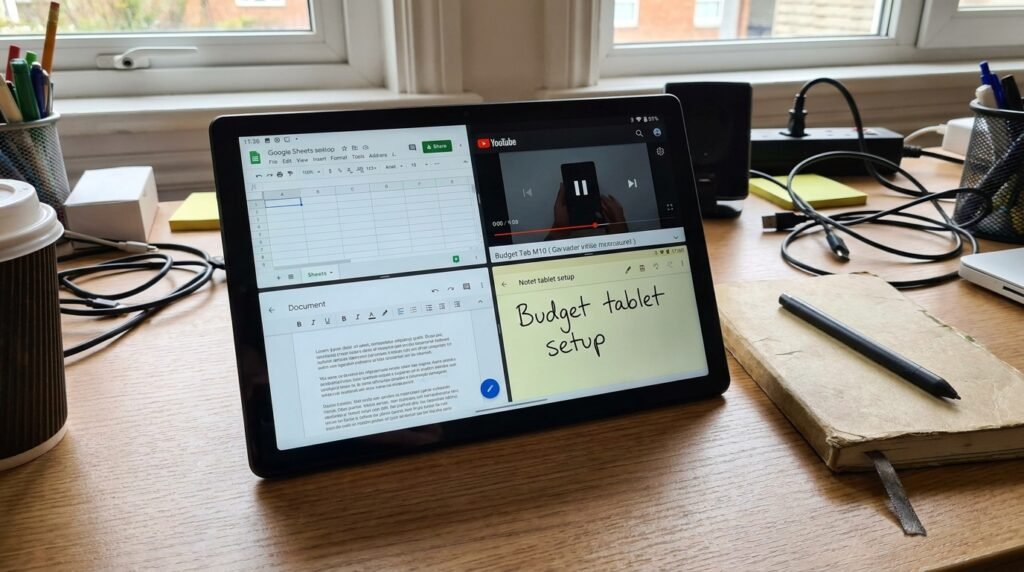
Whether you are a student taking handwritten lecture notes, a remote professional managing emails and split-screen document editing, or a media enthusiast streaming high-definition movies and casual mobile games, there is a budget Android tablet tailored to your specific demands. In this comprehensive buyer’s guide for 2026, we conduct deep-dive reviews of the top 5 budget Android tablets. We analyze display quality, active stylus compatibility, processor benchmark performance, battery endurance, and desktop productivity software.
1. Xiaomi Pad 6: The Flagship-Killer Productivity Powerhouse
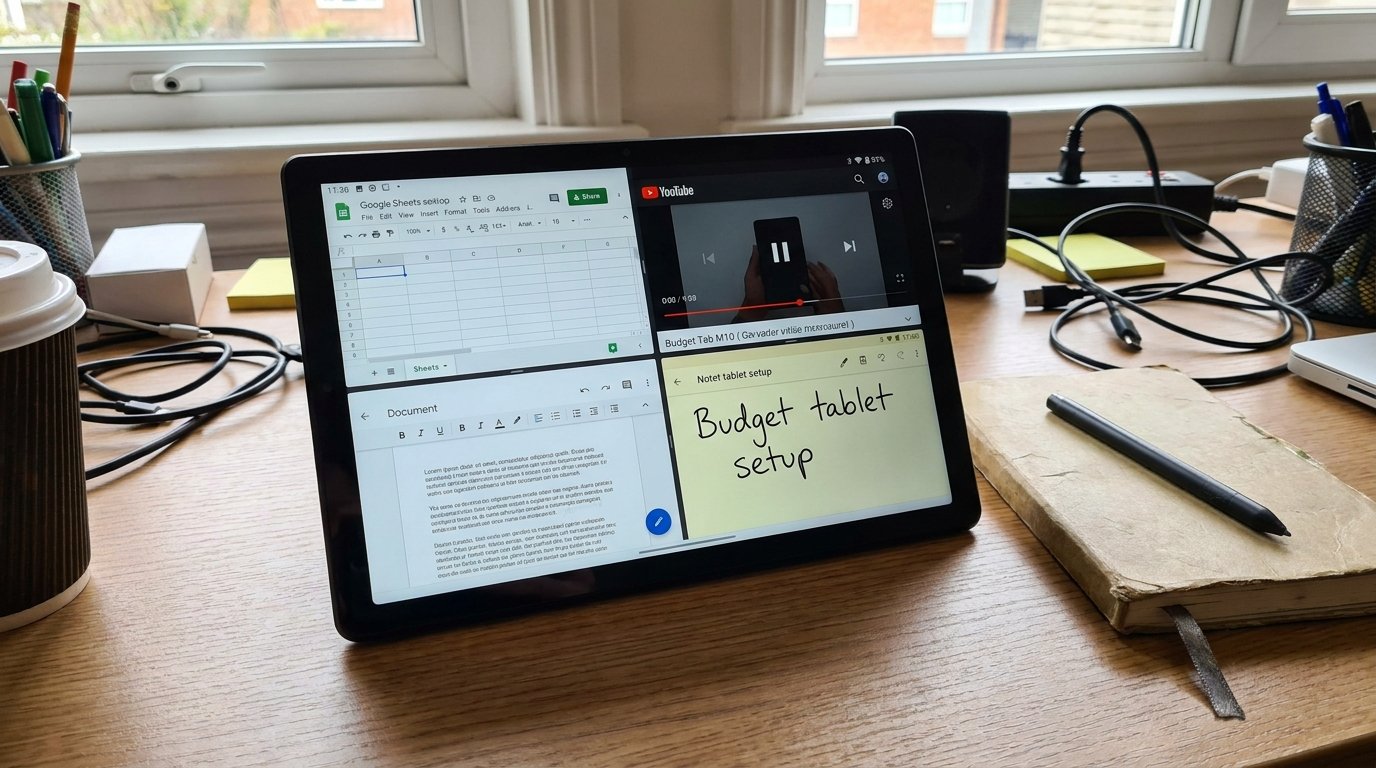
The Xiaomi Pad 6 is one of the most powerful options in the budget-to-mid-range tablet segment. Engineered with premium hardware specifications typically reserved for devices costing twice as much, it is built for users who demand uncompromised performance for work, gaming, and creative tasks.
Key Hardware & Performance Highlights:
- Display Excellence: Features an 11-inch 2.8K WQHD+ (2880 x 1800) IPS LCD panel boasting a hyper-smooth 144Hz adaptive refresh rate, HDR10 support, Dolby Vision, and 550 nits peak brightness.
- Flagship Silicon: Powered by the formidable Qualcomm Snapdragon 870 processor paired with 6GB or 8GB of fast LPDDR5 RAM and UFS 3.1 storage. It handles heavy multi-window multitasking, 4K video editing, and demanding games like Genshin Impact effortlessly.
- Productivity & Accessories: Supports the official Xiaomi Smart Pen (2nd Generation) featuring 4096 levels of pressure sensitivity and magnetic wireless charging, alongside an official magnetic keyboard cover accessory.
- Battery & Charging: Massive 8840mAh battery paired with fast 33W wired charging.
Pros & Cons:
- Pros: Stunning 144Hz 2.8K screen, powerful Snapdragon 870 processor, sleek aluminum unibody build, excellent quad speakers.
- Cons: Lacks microSD storage expansion slot and cellular LTE configuration options.
2. Samsung Galaxy Tab A9+: The Multitasking & DeX Desktop Champion
Samsung’s Galaxy Tab A9+ is widely considered the best overall budget tablet for general productivity, thanks to its integration of Samsung’s renowned DeX Desktop Mode software environment.
Key Hardware & Software Integration:
- Samsung DeX Desktop Environment: With a single tap, the Galaxy Tab A9+ transforms its standard tablet interface into a full desktop UI complete with a start menu, taskbar dock, resizable floating windows, and keyboard shortcut support.
- Smooth 90Hz Display: 11-inch Full HD+ (1920 x 1200) LCD display with a smooth 90Hz refresh rate and a balanced 16:10 aspect ratio perfect for dual-app split-screen work.
- Immersive Audio: Quad speakers equipped with Dolby Atmos spatial sound tuning deliver crisp, room-filling audio during media playback and Zoom conference calls.
- Expandable Storage & Connectivity: Includes a dedicated microSD card slot supporting storage expansion up to 1TB, along with available 5G cellular model variants.
Pros & Cons:
- Pros: Game-changing Samsung DeX desktop UI, smooth 90Hz display, quad Dolby Atmos speakers, 1TB microSD card slot, long software update commitment.
- Cons: Does not support active S-Pen stylus input (passive capacitive styluses only).
3. Lenovo Tab M11: The Ultimate Student & Note-Taking Special
Lenovo has carved out a massive niche in the education and study market. The Lenovo Tab M11 is purpose-built for students, academic researchers, and digital notebook enthusiasts who need a reliable, stylus-ready tablet straight out of the box.
Key Hardware & Note-Taking Specializations:
- Bundled Active Stylus: Unlike competitors that force you to purchase active styluses separately for $60–$100, the Lenovo Tab M11 includes the official Lenovo Tab Pen directly inside the retail box. It features pressure sensitivity for precise handwriting, PDF annotations, and sketch work.
- Education Software Suite: Pre-loaded with premium note-taking applications—including Nebo (converts handwritten notes into typed text) and MyScript Calculator.
- Reading Mode & Eye Care: Features a specialized monochrome Reading Mode that emulates e-ink display paper, reducing eye fatigue during long textbook reading sessions. TÜV Rheinland certified low blue light emission panel.
- Processor & Battery: MediaTek Helio G88 processor paired with a 7040mAh battery delivering up to 10 hours of continuous video playback.
Pros & Cons:
- Pros: Includes active Lenovo Tab Pen in the box, pre-installed Nebo note software, specialized e-ink Reading Mode, affordable price point.
- Cons: Helio G88 processor is designed for casual daily tasks, not heavy 3D gaming.
4. Redmi Pad SE: The Ultra-Affordable Media Consumption Beast
For buyers operating on a strict budget who want a premium-looking media consumption tablet for YouTube, Netflix, e-books, and social browsing, the Redmi Pad SE offers unbeatable value for money.
Key Hardware & Battery Endurance Highlights:
- Vibrant 90Hz Display: 11-inch FHD+ (1920 x 1200) display with a smooth 90Hz refresh rate and thin uniform bezels.
- Quad Audio Drivers: Four large amplitude speakers backed by Dolby Atmos audio processing deliver exceptional stereo sound staging in both portrait and landscape orientation.
- Marathon Battery Endurance: Equipped with a massive 8000mAh battery. Combined with the power-efficient 6nm Snapdragon 680 processor, the Redmi Pad SE achieves an extraordinary 14+ hours of continuous video playback on a single charge.
- Premium Aluminum Body: High-end metallic unibody construction available in stylish pastel colors.
Pros & Cons:
- Pros: Ultra-affordable price tag, high-end metal build, phenomenal battery endurance, quad speakers, 3.5mm headphone jack.
- Cons: Slow 10W charging speed; modest gaming performance.
5. Amazon Fire HD 10 (Latest Generation): The Budget Entry Choice
Amazon’s Fire HD 10 remains a staple in the entry-level tablet space, engineered specifically for users integrated into the Amazon Prime digital ecosystem.
Key Hardware & Ecosystem Features:
- Crisp 1080p Display: 10.1-inch 1080p Full HD (1920 x 1200) screen protected by strengthened aluminosilicate glass.
- Media & Kids Integration: Direct access to Prime Video, Kindle books, Audible, and Amazon Kids+ parental control profiles.
- Sideloading Google Play Store: While Fire OS ships without Google services by default, users can easily sideload the official Google Play Store in under 5 minutes using APK files, unlocking the full Android app library.
Pros & Cons:
- Pros: Extremely low price point, durable child-friendly design, long battery life.
- Cons: Requires manual Google Play Store sideloading to access standard Android apps; lock screen contains Amazon ads unless paid to remove.
Comprehensive Specification Comparison Matrix
| Tablet Model | Display Specs | Processor (SoC) | RAM / Storage Options | Active Stylus Support | Battery & Charging | Price Range |
|---|---|---|---|---|---|---|
| Xiaomi Pad 6 | 11″ 2.8K (2880×1800) IPS, 144Hz, 550 nits | Qualcomm Snapdragon 870 | 6GB/8GB RAM, 128GB/256GB UFS 3.1 | Yes (Xiaomi Smart Pen 2 – Optional) | 8840 mAh (33W Fast Charge) | $320 – $380 |
| Samsung Galaxy Tab A9+ | 11″ FHD+ (1920×1200) IPS, 90Hz | Qualcomm Snapdragon 695 | 4GB/8GB RAM, 64GB/128GB (MicroSD 1TB) | No (Passive Capacitive Only) | 7040 mAh (15W Charging) | $210 – $260 |
| Lenovo Tab M11 | 11″ FHD+ (1920×1200) IPS, 90Hz | MediaTek Helio G88 | 4GB/8GB RAM, 64GB/128GB (MicroSD 1TB) | Yes (Lenovo Tab Pen – INCLUDED) | 7040 mAh (15W Charging) | $180 – $220 |
| Redmi Pad SE | 11″ FHD+ (1920×1200) IPS, 90Hz | Qualcomm Snapdragon 680 | 4GB/6GB/8GB RAM, 128GB/256GB (MicroSD) | No (Passive Capacitive Only) | 8000 mAh (10W Charging) | $150 – $190 |
| Amazon Fire HD 10 | 10.1″ 1080p (1920×1200) IPS, 60Hz | MediaTek MT8186 Octa-Core | 3GB RAM, 32GB/64GB (MicroSD 1TB) | Yes (USI 2.0 Stylus Compatible) | 6500 mAh (15W Charging) | $100 – $140 |
Essential Buyer Considerations Before Purchasing
To choose the perfect budget Android tablet, evaluate these core hardware factors based on your primary usage patterns:
1. Display Refresh Rate & Resolution:
If you plan to read e-books, documents, or browse websites, resolution and refresh rate are paramount. A 90Hz or 144Hz panel reduces text motion blur dramatically while scrolling. For crisp text rendering, ensure the screen density exceeds 200 PPI (pixels per inch).
2. Active Stylus Technology (USI 2.0 vs. Proprietary vs. Passive):
- Active Pressure-Sensitive Stylus: Detects distinct pressure levels (e.g., 4096 levels) and palm rejection, allowing you to rest your hand on the display screen while writing or sketching (e.g., Xiaomi Pad 6, Lenovo Tab M11).
- USI 2.0 (Universal Stylus Initiative): Open industry stylus standard supported by Amazon Fire HD 10. Works across multiple brand devices.
- Passive Capacitive Stylus: Cheap rubber-tipped pens that mimic a finger touch. They lack pressure sensitivity and palm rejection, making them unsuitable for serious handwriting.
3. Speaker Configuration and Audio Quality:
Do not compromise on audio drivers. Single rear-firing speakers produce thin, tinny sound. Insist on tablets equipped with quad stereo speakers positioned on the side frames, backed by Dolby Atmos equalization, for an immersive movie watching experience.
Frequently Asked Questions (FAQ)
Can budget Android tablets replace a laptop for university or work?
Yes, for tasks like word processing, web research, video calls, note-taking, and spreadsheets. When paired with a Bluetooth keyboard and mouse—especially on devices featuring Samsung DeX mode like the Galaxy Tab A9+—budget tablets deliver a compelling laptop-like productivity experience.
How do I sideload the Google Play Store onto an Amazon Fire HD 10 tablet?
Sideloading requires downloading four official APK installation files in precise sequence using the Silk Browser: 1) Google Account Manager, 2) Google Services Framework, 3) Google Play Services, and 4) Google Play Store. Once installed, reboot the tablet and log into your Google Account.
Which budget tablet offers the best gaming performance?
The Xiaomi Pad 6 powered by the Snapdragon 870 processor is far superior to all other budget competitors in GPU performance, running high-graphics games smooth at 60 FPS to 120 FPS.
Conclusion
Budget Android tablets in 2026 offer exceptional value across every price bracket. If you want maximum performance, a 144Hz 2.8K screen, and creative stylus power, the Xiaomi Pad 6 is the premier choice. For desktop multi-window productivity, the Samsung Galaxy Tab A9+ with DeX mode stands supreme. Students seeking an all-in-one note-taking package will love the Lenovo Tab M11 with its bundled active pen, while media lovers on a budget will find unbeatable battery life in the Redmi Pad SE.
Reviewed by the APKMales editorial team. This guide was compiled from publicly available documentation.
