
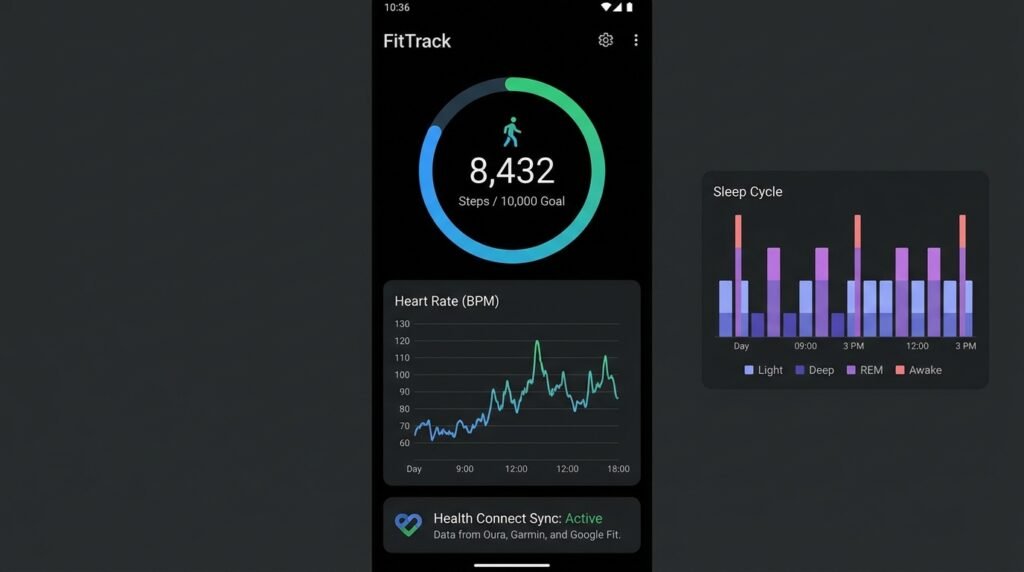
Best Free Fitness and Health Tracking Apps for Android (2026)
Taking Control of Personal Wellness Through Modern Android Ecosystems
Finding the right fitness health tracking for your Android device can make a real difference in your daily productivity and experience. In this guide, we have tested and reviewed the top options available in 2026, so you can make an informed decision without spending hours researching.
In 2026, personal health technology has transformed smartphones from simple communication devices into sophisticated wellness companions. Equipped with high-precision motion sensors, GPS tracking chips, barometric altimeters, and integration with modern wearable devices, Android phones can monitor daily step counts, calculate calorie expenditure, track outdoor running routes, log weightlifting progression, and evaluate sleep quality with remarkable accuracy.
However, with hundreds of fitness applications saturating the digital ecosystem, selecting the right software suite can be daunting. Users often face challenges ranging from paywalled features and intrusive advertisements to fragmented biometric data silos. In this detailed guide, we evaluate the 6 best free fitness and health tracking apps for Android in 2026, analyzing GPS precision, data privacy controls, step counter calibration, and Health Connect API integration.
Comprehensive Reviews of the Best Free Fitness Apps
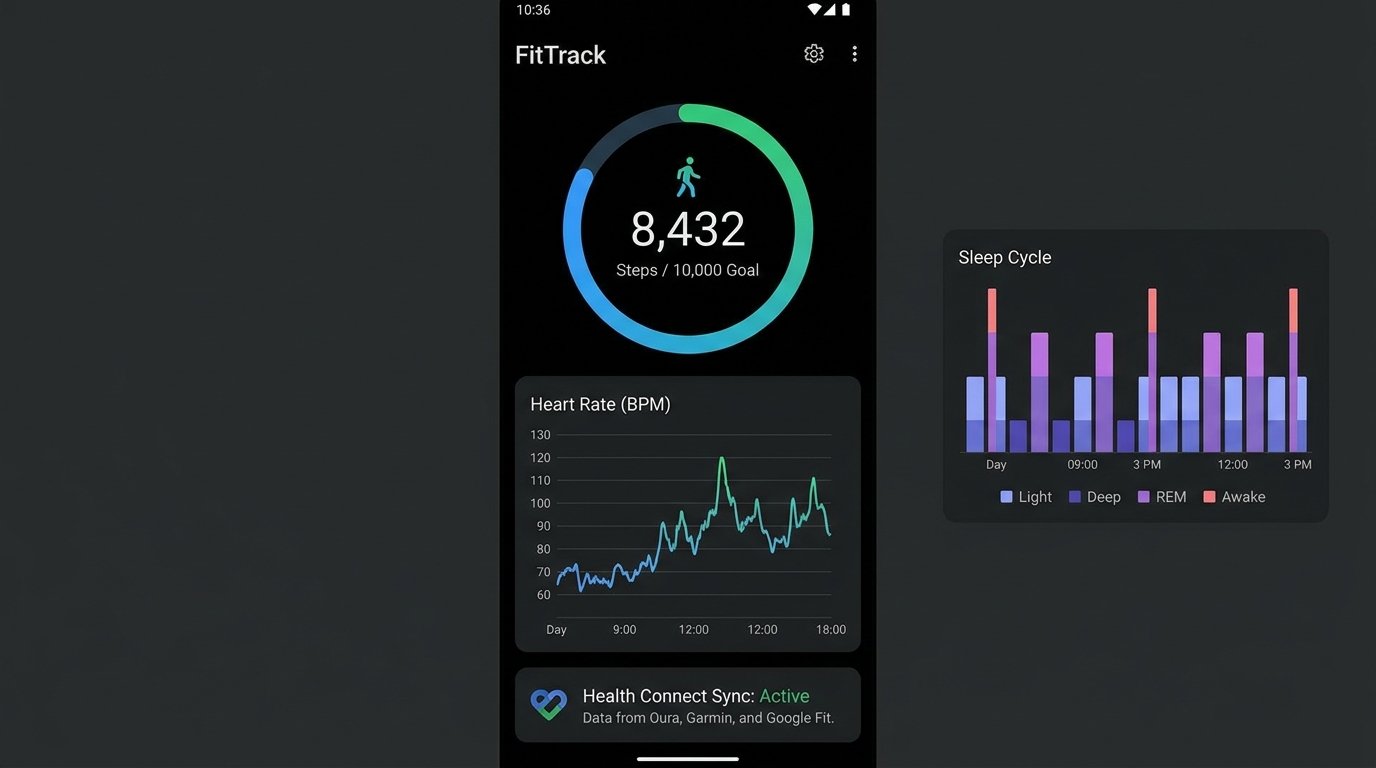
1. Google Fit – Minimalist Activity & Heart Points Tracking
Google Fit offers a clean, ad-free activity tracking experience centered around World Health Organization (WHO) physical activity recommendations. Built around two intuitive metrics—Move Minutes and Heart Points—Google Fit encourages users to maintain daily physical cardiovascular activity without overwhelming them with complex data tables.
Google Fit uses your Android phone’s low-power motion sensors to detect walking, running, and cycling automatically. It syncs effortlessly with virtually all smartwatches and health accessories via the Health Connect API, providing comprehensive daily step counting, workout mapping, and trend analysis within a streamlined user interface.
Setup & Calibration Tip: Set daily targets to 150 Heart Points per week to meet WHO cardiovascular health benchmarks. Open Profile > Activity Goals to adjust your daily step count and heart point thresholds.
2. Strava – The Ultimate Social & GPS Running/Cycling Hub
For outdoor runners, cyclists, and trail hikers, Strava remains the premier GPS workout tracking platform. Renowned for its community segments and competitive leaderboards, Strava allows users to track distance, pace, elevation gain, heart rate zones, and calorie burn during outdoor activities.
The free tier of Strava offers solid GPS tracking precision, comprehensive workout logging, audio pace cues, and social sharing features. Strava’s segment feature lets users compare their running or cycling times against personal records and community members on local routes, making it exceptionally motivating for endurance athletes.
Setup & Calibration Tip: Ensure high GPS accuracy by navigating to your phone’s Settings > Location > Location Services and enabling Google Location Accuracy. In Strava, turn on Auto-Pause to automatically pause workout recording when stopping at traffic lights.
3. Samsung Health – Feature-Packed All-in-One Wellness Suite
Samsung Health is one of the most comprehensive free health tracking applications available on Android, accessible to all Android device owners regardless of manufacturer brand. Unlike apps that hide essential telemetry behind monthly subscriptions, Samsung Health delivers enterprise-grade tracking features completely free of charge.
Key features include detailed step counting, automatic exercise detection, comprehensive sleep phase tracking (light, deep, REM), water intake logging, food calorie counting, stress monitoring, and structured guided workout routines. With native Health Connect synchronization and solid data privacy controls, Samsung Health is an outstanding choice for holistic wellness management.
Setup & Calibration Tip: Access Samsung Health Settings > Accessories to pair external Bluetooth Low Energy (BLE) heart rate chest straps for precise cardiac tracking during workouts.
4. MyFitnessPal – Premier Calorie Counter & Macro Tracking Database
Nutrition plays a critical role in fitness goals, whether aiming for weight loss, muscle gain, or athletic maintenance. MyFitnessPal hosts one of the world’s largest food databases, containing millions of global food items, restaurant entries, and nutritional labels.
The free tier allows users to log daily meals, track calorie intake, monitor macronutrients (carbohydrates, proteins, fats), and set customized weight management goals. By connecting MyFitnessPal with fitness trackers via Health Connect, daily calorie goals dynamically adjust based on active exercise burn calculated throughout the day.
Setup & Calibration Tip: Customize your macro ratios under More > Goals > Calorie, Carbs, Protein & Fat Goals to align with specific diet plans (such as high-protein or keto macros).
5. FitNotes – Clean, Ad-Free Workout Log for Strength Training
For weightlifters, bodybuilders, and powerlifters who want a straightforward workout logger without social clutter or pushy subscription prompts, FitNotes is the ultimate gym companion. Designed with a minimalist aesthetic, FitNotes focuses purely on strength training tracking.
Users can build custom exercise routines, log sets, reps, and weight, view progressive overload graphs, and calculate 1-Rep Max (1RM) estimates instantly. FitNotes includes rest timer alerts, custom bodyweight tracking, and local database CSV exports, operating completely offline with zero ad banners.
Setup & Calibration Tip: Configure your default rest timer under Settings > Rest Timer to auto-trigger a 90-second countdown immediately after logging a weightlifting set.
6. Lifesum – Macro & Nutrition Tracker with Customized Meal Plans
Lifesum combines aesthetic visual design with practical nutritional science. Designed for users who want to improve eating habits, Lifesum offers food logging, barcode scanning, macro distribution breakdowns, and habit trackers (such as water intake and fruit/vegetable goals).
The free version provides intuitive color-coded nutritional ratings for logged meals, daily calorie counters, and seamless synchronization with step counter sensors and health ecosystems.
Wearable Device Integration & Sensor Synchronization
To maximize fitness tracking precision, connecting dedicated hardware sensors to your Android device enhances data fidelity:
- Bluetooth Smart (BLE) Heart Rate Monitors: Chest straps (such as Polar H10) connect directly to apps like Strava and Samsung Health via Bluetooth Low Energy, streaming ECG-accurate heart rate data during high-intensity interval training (HIIT).
- Smartwatches & Fitness Bands: Galaxy Watch, Pixel Watch, and Garmin wearables synchronize continuous step counts, SPO2 blood oxygen readings, and HRV stress telemetry into the Android Health Connect vault automatically.
Feature & Privacy Comparison Matrix
The comparative table below outlines the core capabilities, Health Connect API integration, and privacy features of these premier fitness applications, based on each maker’s published specifications rather than lab measurements:
| Application Name | Primary Focus | GPS Accuracy | Health Connect Sync | Step Calibration | Free Tier Value |
|---|---|---|---|---|---|
| Google Fit | General Wellness & WHO Points | Varies by device | Full Read / Write | Automatic Sensor Fusion | 100% Free / No Ads |
| Strava | GPS Outdoor Running / Cycling | Varies by device | Full Read / Write | N/A (Activity-Based) | High (Core GPS Free) |
| Samsung Health | All-in-One Health & Sleep | Varies by device | Full Read / Write | Custom Step Target Tuning | 100% Free / Feature Rich |
| MyFitnessPal | Calorie & Macro Counting | N/A | Full Read / Write | Synced from Hardware | Good (Freemium Model) |
| FitNotes | Gym Weightlifting Tracker | N/A | Optional CSV Backup | N/A | 100% Free / No Ads |
| Lifesum | Nutrition & Habit Tracking | N/A | Full Read / Write | Synced from Hardware | Good (Freemium Model) |
How to Calibrate Step Counters & GPS for Maximum Accuracy on Android
To ensure your fitness apps report accurate distances and step counts, apply these system calibration steps:
- Exempt Fitness Apps from Battery Optimization: Android’s aggressive Doze mode can kill background GPS tracking mid-workout. Go to Settings > Apps > [Your Fitness App] > Battery and select Unrestricted.
- Configure Precise Location Permissions: Set location permissions to Allow all the time and toggle on Use precise location to enable high-accuracy dual-frequency GPS signal locking.
- Calibrate Step Counter Sensor Sensitivity: In apps like Google Fit or Samsung Health, input your exact height, weight, and stride length metrics inside profile settings to ensure motion sensors accurately calculate step distance.
- Set Up Centralized Syncing via Health Connect: Open Settings > Security & Privacy > Privacy > Health Connect and grant read/write permissions to your preferred tracking apps to eliminate double-counted step telemetry.
Frequently Asked Questions (FAQ)
Do fitness tracking apps work without an active internet connection?
Yes. Apps like Strava, Google Fit, Samsung Health, and FitNotes utilize your phone’s internal hardware sensors and offline GPS hardware to log steps, workouts, and routes without requiring active cellular data. Data automatically syncs to cloud servers once you reconnect to Wi-Fi.
Is Google Fit or Samsung Health more accurate for step counting?
Both applications utilize hardware step-counter sensor hubs embedded in modern Android SoCs. When calibrated with accurate user height metrics and exempted from aggressive background battery optimization, both apps can report step counts that closely match physical tallies, though actual accuracy varies by device and usage conditions.
Why is my GPS route cut off or erratic during outdoor runs?
Erratic GPS tracks are typically caused by system battery saver modes terminating background location services mid-run. Ensure your fitness app battery setting is set to Unrestricted and disable global Battery Saver mode during outdoor tracking sessions.
Can I export my workout data out of these apps if I want to switch platforms?
Yes. Apps supporting the Health Connect API write data to a unified local vault from which other authorized health apps can read. Additionally, apps like FitNotes export CSV spreadsheets, while Strava permits downloading raw `.GPX` and `.FIT` activity files for backup.
Conclusion
Achieving your personal health and fitness goals in 2026 does not require expensive subscription services. By leveraging powerful free tools like Google Fit, Strava, Samsung Health, MyFitnessPal, FitNotes, and Lifesum—backed by Android’s encrypted Health Connect framework—you can build a personalized, high-precision health management hub right on your smartphone.
Written by APKMales’ technical staff. Our Android app guides and performance articles are compiled from publicly available documentation, in accordance with our Editorial Policy and Privacy Directives.
Have questions or want to share your own experience? Drop a comment below or reach out to our team. We read every message. You can also learn more about how we research and review on our About Us page.
