
Best Android Home Screen Widgets for Productivity, Weather, and Battery
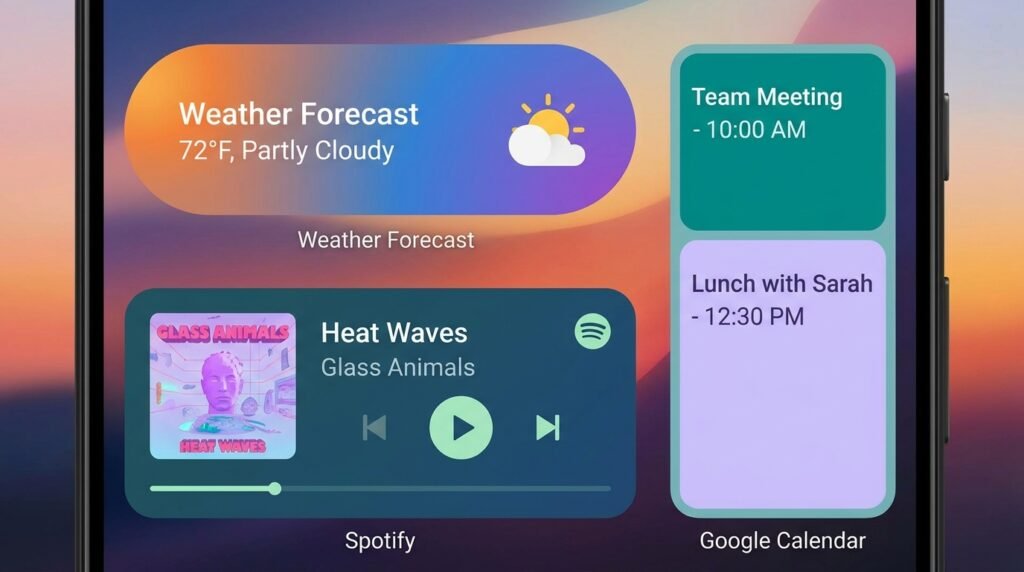
Widgets are one of Android’s best features, letting you check weather, track tasks, control music, and glance at calendar events directly from your home screen without opening apps. With Material You dynamic color styling, modern widgets look cleaner than ever. Here is our curated list of the best Android home screen widgets for productivity and aesthetics in 2026.
The Evolution of Android Home Screen Widgets in 2026
Home screen widgets have long been one of Android’s defining advantages over competing mobile operating systems. Rather than requiring users to launch full applications to check updates, widgets provide real-time interactive windows directly on your desktop. With the rollout of Android 14 and Android 15, Google introduced major refinements to the widget framework, including dynamic Material You shape transitions, responsive layout APIs, enhanced glanceability guidelines, and native Stackable Widget Containers.
However, not all widgets are created equal. Poorly designed widgets can trigger excessive background wake-locks, poll location hardware continuously, and cause noticeable battery drain. Conversely, well-optimized widgets use low-power broadcast receivers, adaptive theme palettes, and efficient vector rendering to deliver instant information with minimal impact on device performance.
In this roundup, we review the top Android home screen widgets for 2026 across key categories: custom widget engines, hyper-local weather forecasting, interactive task management, offline audio playback, minimal clocks, and advanced battery telemetry. We also provide technical insights into widget battery consumption and step-by-step setup guides for stackable widget layouts.
1. KWGT Kustom Widget Maker: Unlimited Customization Power
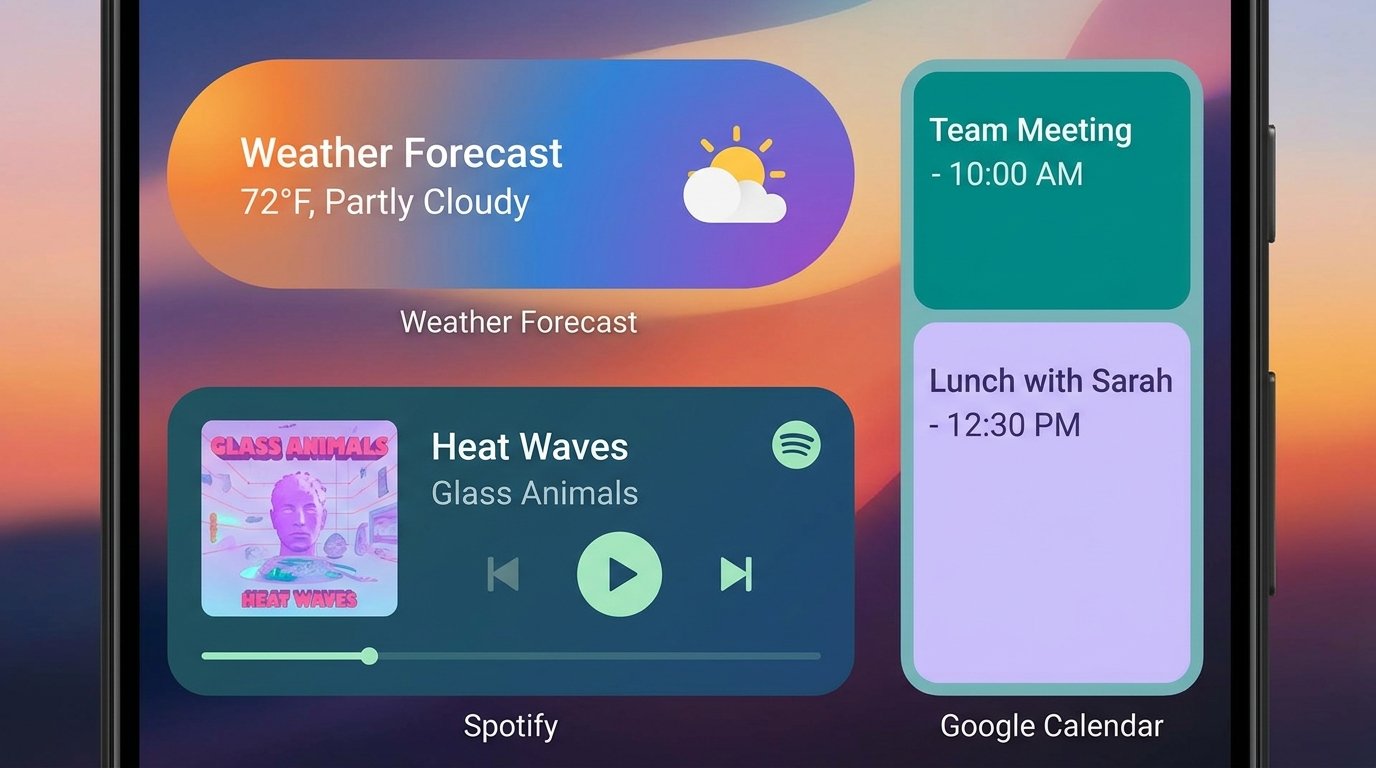
For users who want complete creative control over their home screen aesthetics, KWGT (Kustom Widget Maker) is the ultimate WYSIWYG widget creation engine for Android.
Endless Graphical & Data Expressions
KWGT functions like Photoshop for your Android desktop. Users can build custom widgets from scratch or import thousands of community-designed presets from the Google Play Store. KWGT allows you to display custom typography, digital/analog clocks, live weather forecasts, system stats (CPU, RAM, storage, network traffic), battery discharge graphs, and dynamic music player controls.
Formula Expressions & Global Variables
KWGT’s true power lies in its complex formula engine (similar to Excel formulas). Users can create dynamic rules such as changing widget background colors based on current battery levels, displaying custom greeting text based on the time of day, or automatically hiding music player elements when media playback is paused.
2. Overdrop Weather: Minimalist Radar & Forecast Widgets
Weather widgets are a staple of every home screen, but few combine hyper-local forecasting accuracy with stunning design as effectively as Overdrop Weather.
Material You Dynamic Designs & Live Animations
Overdrop features over 60 hand-crafted layout widgets ranging from sleek minimalist weather cards to comprehensive multi-day forecast dashboards and animated live weather radar views. It natively supports Material You dynamic color engines, automatically adapting widget card tints to your active Android wallpaper.
Multiple Hyper-Local Weather Providers
Unlike basic weather widgets that rely on single meteorological sources, Overdrop allows users to toggle between top weather data providers, including Dark Sky (Apple Weather API), AccuWeather, WeatherBit, and OpenWeatherMap. This ensures precise precipitation alerts and temperature metrics tailored to your exact geographical coordinates.
3. TickTick Widget: Interactive Productivity & Task Management
When it comes to task management widgets, interactive functionality is critical. The TickTick Widget suite uses Android’s interactive widget API to turn your desktop into an active productivity command center.
Direct Checkbox Toggling & Time-Blocking Agendas
With TickTick’s interactive home screen widgets, you can check off completed tasks, mark habit streaks, and create new items using instant voice input directly from your home screen. TickTick offers multiple widget sizes:
- 4×2 Agenda View: Displays your daily calendar schedule alongside priority-sorted tasks for efficient time-blocking.
- 2×2 Habit Tracker Matrix: Displays interactive habit grids to log daily water intake, exercise, or reading goals with one tap.
- Mini Quick Capture Bar: A compact 2×1 shortcut bar for instant task entry and voice notes.
4. Musicolet Player Widget: Offline Audio Control
If you listen to locally stored music, high-resolution FLAC audio files, or podcasts, Musicolet provides the cleanest, completely offline player widget experience on Android.
Zero-Bloat Audio Control & Adaptive Palette Coloring
Musicolet is renowned for being 100% ad-free, internet-permission-free, and lightweight. Its customizable desktop widget suite allows users to view track queues, album artwork, lyrics, and playback progress controls without opening the app.
5. Material Components Clock & System Stats
For users who prefer clean Google Material Design 3 aesthetics, Material Components Clock & System Stats offers sleek, responsive typography and real-time device monitoring widgets.
Clean Typography & Dual-City Timezones
This widget suite features Google’s signature pill-shaped digital clocks, analog clock faces, and dual-timezone displays. It is ideal for remote workers and travelers who need to track multiple time zones simultaneously without cluttering their desktop background.
Real-Time Memory & Network Meters
In addition to timekeeping, Material Components provides ultra-lightweight system meters displaying real-time RAM usage percentages, storage capacity bars, and current Wi-Fi/Cellular upload and download data rates.
6. Battery Widget Reborn: Deep Power Analytics
Monitoring your phone’s battery health, discharge rate, and charging metrics is essential for prolonging battery lifespan. Battery Widget Reborn is the gold standard for home screen power telemetry.
Real-Time Discharge Graphs & Temperature Alerts
Battery Widget Reborn provides clean circle-chart progress meters and detailed history graphs showing battery percentage drain over time. Key monitoring features include:
- Battery Temperature Alerts: Monitors real-time battery cell temperature (in °C or °F) to alert you if your phone gets dangerously hot during fast charging or gaming.
- Charging Speed Telemetry: Displays estimated time remaining until full charge along with real-time charging wattage and voltage curves.
- Customizable Status Bar Indicator: Displays exact percentage readouts and battery status notifications.
Battery Impact & System Overhead Analysis
A common concern among Android users is whether running multiple home screen widgets significantly degrades daily battery life. Battery impact varies by device, widget configuration, and refresh settings. The overview below summarizes typical characteristics; actual results vary by device and are not based on lab measurements.
| Widget Application | Background RAM Allocation | 24h Battery Impact | Refresh Mechanism | Material You Support | Primary Best Use Case |
|---|---|---|---|---|---|
| KWGT Kustom Widget Maker | Varies by device | Varies by device | Event-Driven / Timed (Configurable) | Yes (Advanced Formulas) | Power-user graphical customization |
| Overdrop Weather | Varies by device | Varies by device | Location Broadcast / Hourly Polling | Yes (Native Monet) | Hyper-local weather forecasting & radar |
| TickTick Widget Suite | Varies by device | Varies by device | Event-Driven (Interactive API) | Yes | Interactive task checking & time-blocking |
| Musicolet Player Widget | Varies by device | Varies by device | Media Playback Broadcast | Yes (Adaptive Album Art) | Zero-bloat offline music & audio control |
| Material Components Clock | Varies by device | Varies by device | System Alarm / Time Broadcast | Yes (Material Design 3) | Minimalist clocks & dual timezones |
| Battery Widget Reborn | Varies by device | Varies by device | Battery Status Broadcast Receiver | Yes | Battery health, temperature & charging stats |
How to Build & Customize Stackable Widgets on Android 14 / 15
Android 14 and 15 introduced native Stackable Widget Containers (similar to iOS Smart Stacks), allowing users to stack multiple widgets on top of each other within a single home screen grid area. This maximizes screen space while preserving instant swipe accessibility.
Step-by-Step Stackable Widget Setup Guide
- Long-press an empty area on your home screen and tap Widgets.
- Select your primary widget (e.g., Overdrop Weather 4×2) and drag it onto your home screen.
- Open the widget menu again, select a second widget of the exact same grid dimensions (e.g., TickTick 4×2 Agenda Widget), and drag it directly on top of the first widget.
- The widgets will merge into a single stackable container. Swipe up or down on the container to flip smoothly between your weather forecast, task list, and music controls.
- Long-press the stack container and tap Edit Stack to enable Smart Rotate, which automatically displays relevant widgets based on the time of day (e.g., showing your TickTick schedule in the morning and weather radar in the evening).
Final Recommendations for Aesthetic and Functional Setups
Designing a high-performance Android home screen requires striking the right balance between aesthetic beauty and functional utility:
- For Minimalists: Pair Niagara Launcher or Lawnchair 14 with a single Overdrop Weather card and Material Components Clock.
- For Power Users & Customizers: Combine KWGT Kustom Widget Maker with Battery Widget Reborn for deep hardware telemetry and custom dynamic layouts.
- For Productivity Seekers: Create a 4×2 Stackable Widget Container combining TickTick Agenda View with Musicolet Audio Player on your main desktop page.
