
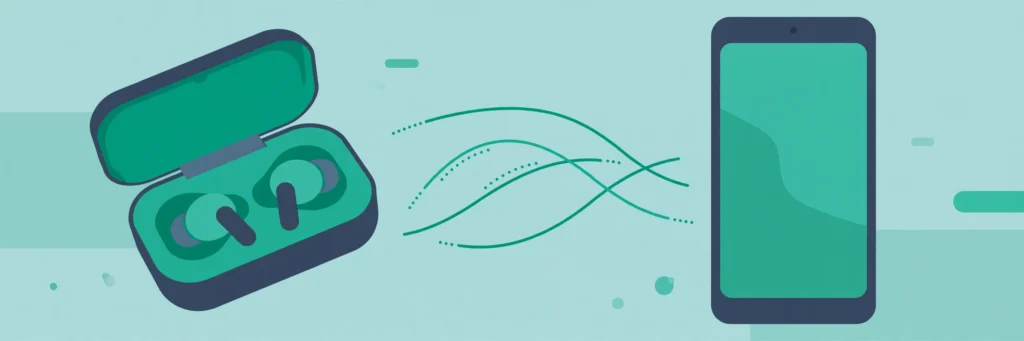
How to Pair Wireless Earbuds on Android in the Background
Pairing earbuds used to announce itself. You opened the case, a pop-up appeared, you tapped through it, and only then did the music start. It was not a hardship, exactly, but it was an interruption at precisely the moment you wanted to listen to something — on a train, mid-walk, or with a phone call already coming in. According to Google’s October 2026 system release notes, Google Play services version 26.42 changes that small ritual: supported true wireless earbuds can now pair silently in the background, without changes to notifications, audio, or vibration. In other words, the pairing still happens, but it stops demanding your attention first.
What Silent Background Pairing Changes, and What It Does Not
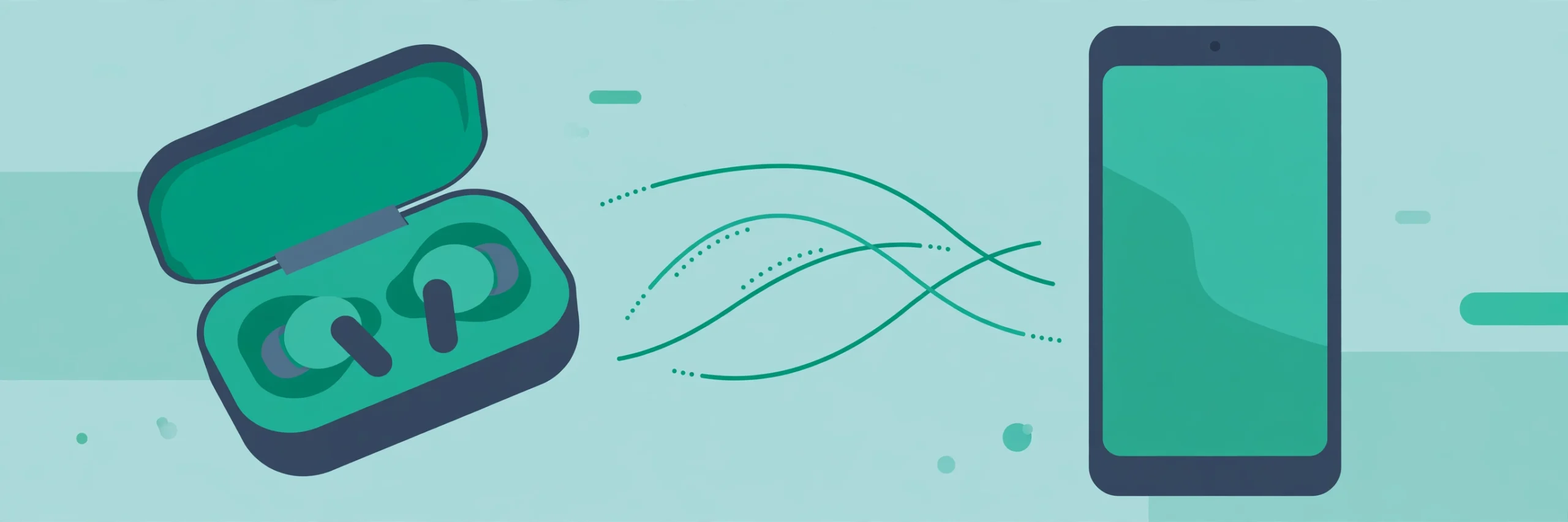
The change is deliberately boring, and that is the point. Previously, pairing a new set of earbuds typically involved a visible prompt: a card appearing on screen, a request to confirm, and sometimes a vibration or a sound to mark the connection. Silent pairing removes that ceremony for supported earbuds. You open the case or take the earbuds out, the phone and earbuds sort out the connection behind the scenes, and you can start listening without tapping through anything. No notification to dismiss, no audio ducking to notice, no vibration to wonder about.
What it does not change is just as important. Silent pairing does not make incompatible earbuds compatible, it does not improve sound quality, and it does not fix a weak Bluetooth connection. It is a convenience for the pairing moment, not a cure for every wireless audio problem. If your earbuds already cut out at distance, or struggle in a crowded station, those issues live in Bluetooth range, interference, and battery, and they will still be there after a silent pairing. Expecting the feature to solve them will only lead to disappointment; appreciating it for what it is — one less interruption — is the fairer test.
Availability also needs a plain statement. Google’s release notes describe the feature as part of Play services 26.42, dated 26 October 2026, but system features like this commonly roll out gradually and depend on the earbuds themselves supporting the behaviour. Not every pair of true wireless earbuds will pair silently, and not every phone will get the change at the same time. If your earbuds still show a pairing prompt, that does not mean you have done something wrong; it most likely means your combination of phone and earbuds does not support silent pairing yet, or the update has not reached you.
How It Works, Without the Jargon
Behind the scenes, pairing is a short negotiation: the phone and the earbuds agree they are allowed to talk to each other, exchange the keys that let them reconnect later, and settle on an audio connection. Traditionally, Android surfaced that negotiation with a prompt, partly so you could confirm you meant to connect to that particular device and not a stranger’s earbuds in the same room. Silent background pairing handles the same negotiation without the on-screen step, for earbuds that support it, and without disturbing whatever audio or notification state your phone is already in.
That last detail — “without changes to notifications, audio, or vibration” — is worth pausing on, because it is the part that actually improves daily use. A pairing prompt that pauses your podcast, dims your music, or buzzes while you are on a call is a small disruption, but disruptions add up when they happen every morning. Silent pairing aims to remove that cost entirely: the earbuds connect, your audio continues or starts as expected, and nothing else on the phone shifts to accommodate the connection. For commuters, runners, and anyone who puts earbuds in while already doing something else, that absence of fuss is the whole benefit.
It is still a first pairing, though, in the sense that matters for security. The phone and earbuds still need to be introduced to each other; silent pairing does not mean any nearby earbuds can silently connect to your phone without your involvement. You still open the case, or put the earbuds in pairing mode, in the way your earbuds’ maker describes. The difference is in what happens next — a quiet connection instead of a prompt — not in whether the introduction happens at all.
First-Time Pairing: What to Expect in Practice
Because the exact steps vary by earbud maker, the pattern below is a general guide rather than a model-specific manual. Check your earbuds’ own instructions for the precise button or case action, and use this as the shape of what should happen:
- Charge the earbuds and case enough that a low battery is not confusing the picture. A case blinking for power and a case ready to pair can look frustratingly similar.
- Keep the earbuds near the phone, with Bluetooth switched on in your phone’s settings. Silent pairing still needs Bluetooth on; it cannot work around a switched-off radio.
- Open the case or put the earbuds into pairing mode as their maker describes — typically opening the lid, or pressing and holding a case button until a light changes.
- Wait a few seconds without tapping anything. This is the hardest step for people used to prompts, because the instinct is to look for something to confirm. With silent pairing, the absence of a prompt is the expected behaviour, not a sign that nothing is happening.
- Put the earbuds in and play something short — a song, a voice note, a video — to confirm sound is coming through the earbuds rather than the phone speaker. That sound is your confirmation.
- If nothing plays through the earbuds, check your phone’s Bluetooth settings to see whether the earbuds appear as connected. A quick look there settles the question without guessing.
The step people get wrong most often is step four: impatience. Tapping around in Bluetooth settings, closing and reopening the case repeatedly, or resetting the earbuds while the background pairing is still in progress can interrupt a connection that would have completed on its own. Give it a calm ten seconds before you start troubleshooting. Wireless connections are rarely instant, even when they are silent.
Switching Between Calls, Music, and Another Device
First pairing is only the beginning of daily earbud life. The more common question, once earbuds are paired, is how they behave when you move between uses: a call comes in while music is playing, you switch from a phone to a laptop, or you hand the earbuds to someone else for a moment. Silent pairing does not rewrite those rules, but it does make the return to your phone smoother, because reconnecting to an already-paired device is the situation background pairing handles best.
A useful habit here is to think of one device as home base. If your earbuds regularly hop between a phone and a laptop, for example, they will sometimes reconnect to the last device they were used with rather than the one you want right now. That is normal Bluetooth behaviour, not a fault in silent pairing, and the fix is usually to pause audio on the other device or to select the earbuds explicitly in your phone’s Bluetooth or sound settings. Knowing that in advance stops a familiar frustration: earbuds that are “connected” but playing sound from the wrong device, while you wonder why your phone has gone quiet.
Calls deserve their own note. When a call arrives, most phones will route audio to connected earbuds automatically, which is convenient until you are in a situation where you would rather take the call on the phone itself. If that happens, the in-call audio option on your phone’s call screen lets you switch output without unpairing anything. It is a small control, but it is the difference between fumbling with Bluetooth settings mid-call and simply tapping to move the audio where you want it.
If the Earbuds Do Not Appear: A Calm Checklist
| Symptom | Likely cause | Try first |
|---|---|---|
| No sound, and no prompt either | Silent pairing in progress, or not yet supported for your earbuds | Wait ten seconds, then check Bluetooth settings for a connected entry |
| Earbuds pair, but sound comes from the phone | Audio output set to the phone speaker | Switch audio output to the earbuds in sound or Bluetooth settings |
| One earbud works, the other does not | One bud not seated, charged, or paired to its partner | Return both to the case, close it, wait, then try again |
| Earbuds connect to the wrong device | Last-used device takes priority | Pause audio on the other device, then select the earbuds on your phone |
| Pairing worked yesterday, not today | Low battery, case not charged, or Bluetooth toggled off | Charge the case, confirm Bluetooth is on, and retry near the phone |
| Repeated dropouts in busy places | Bluetooth interference or range, not pairing | Move closer to the phone and keep it on the same side as the earbuds |
Notice what is not on that list: a factory reset of the earbuds. Resetting is a legitimate last resort for a genuinely stuck pair, but it is often reached for far too early, and it wipes the pairing information that silent pairing was trying to use. Work through the gentler steps first — charge, proximity, Bluetooth on, audio output, the other device — and only reset if the earbuds’ own instructions point that way after those steps have failed. Our guide to cleaning Android speakers and microphones is also worth a look if sound is muffled rather than absent, since a blocked earbud mesh can mimic a connection problem.
The Settings Worth Checking Once
Silent pairing is designed to need no settings, but a few existing Android settings shape how pleasant the result feels, and checking them once saves repeated fiddling later. First, notification behaviour: if your earbuds’ companion app, where one exists, sends a notification for every connection, that app’s notification settings — not Android’s pairing itself — are the place to quiet it. Second, media volume: Android keeps media volume separate from ring volume, so earbuds that sound “too quiet” on first use may simply be playing at a low media volume carried over from the phone speaker. Third, battery optimisation: aggressive battery settings can, on some phones, interfere with background Bluetooth behaviour, so if a companion app keeps getting closed, its battery setting is a sensible place to look, with the caveat that changing it may affect battery life.
None of these settings is a requirement for silent pairing to work, and you should not go hunting for a “silent pairing” toggle that may not exist on your phone. The feature, where supported, is a background behaviour of Play services, not a switch you flip. The settings above are about the experience around it — volume, notifications, and app behaviour — and they are worth checking because they are the things people actually notice, long after the pairing moment itself has passed.
For listening itself, the choice of player matters more than the pairing method. Our roundup of music player apps for Android and our guide to equalizer apps cover the options if you want more control over sound once the earbuds are connected. Pairing gets the audio to your ears; the player decides what it sounds like when it gets there.
When Manual Pairing Is Still the Honest Choice
Silent pairing is convenient, but there are situations where the older, visible pairing flow is preferable, and naming them helps you choose deliberately rather than assuming silence is always better. If you are pairing earbuds in a crowded place with many Bluetooth devices nearby, a visible prompt gives you a clear confirmation of exactly which device you connected to. If you are setting up earbuds for someone else, or troubleshooting a pair that keeps connecting to the wrong phone, seeing the connection happen step by step makes the problem easier to diagnose. And if your earbuds simply do not support silent pairing, manual pairing is not a fallback to be embarrassed about — it is the normal, reliable route, and it has worked for years.
The same judgement applies to security in shared spaces. In a home, an office, or a gym, it is worth knowing which device your earbuds are paired with, especially if several people use similar earbuds. A quick glance at your phone’s Bluetooth settings after pairing — silent or manual — takes two seconds and confirms the connection is the one you intended. Convenience should never mean losing track of what is connected to your phone.
Frequently Asked Questions
What is silent pairing for wireless earbuds?
It is a background pairing behaviour in Google Play services version 26.42 that lets supported true wireless earbuds connect to an Android phone without a visible pairing prompt, and without changes to notifications, audio, or vibration.
Do all wireless earbuds support silent pairing?
No. Support depends on the earbuds themselves as well as on your phone receiving the Play services update. If your earbuds still show a pairing prompt, they most likely do not support silent pairing yet, and the standard pairing flow remains the correct route.
How do I know silent pairing worked if there is no prompt?
Play something short through the earbuds. Sound coming through the earbuds, rather than the phone speaker, is the confirmation. You can also check your phone’s Bluetooth settings, where the earbuds should appear as connected.
Will silent pairing fix earbuds that keep cutting out?
No. Dropouts are usually caused by Bluetooth range, interference, or low battery, not by the pairing prompt. Silent pairing changes how the connection starts, not how stable it is once established.
Can I turn silent pairing off and use the old prompt?
There is no general toggle described for this behaviour; where supported, it is a background feature of Play services. If you prefer visible confirmation, pairing through your phone’s Bluetooth settings, where you can see the device list, gives you that control.
One Less Interruption, Used Well
Silent pairing will not change what you listen to, and it will not rescue a poor pair of earbuds. Its value is narrower and, for daily use, more real: the moment you put earbuds in stops being a small negotiation with your phone and becomes simply the start of listening. Give a new pair a calm ten seconds, confirm sound with a short track, and check Bluetooth settings if anything seems off — and otherwise, enjoy the quiet. The best sign the feature is working is that you stop noticing pairing at all, which, for a piece of phone plumbing, is about as good as it gets.
