
How to Choose the Best USB-C Cables and Chargers for Your Android Phone
Introduction: Not All USB-C Cables and Chargers Are Created Equal
The universal adoption of the USB Type-C connector across Android smartphones, tablets, laptops, and accessories has brought unprecedented convenience. In theory, a single cable and charger should power all your gadgets. In practice, however, the USB-C standard encompasses a wide variety of power delivery ratings, data transfer protocols, structural designs, and internal chipsets.
Plugging a flagship Android smartphone into an unrated or cheap USB-C cable can result in frustratingly slow charging speeds, throttled file transfer rates, or even permanent electrical damage to your phone’s charging port. This comprehensive buying guide decodes USB specifications, explains 60W vs. 240W power capabilities, details E-Marker chip requirements, and helps you choose the perfect charger and cable combination for your device setup.
Understanding USB Data Transfer Standards: From USB 2.0 to USB4
A common misconception among smartphone users is that all physical USB-C cables offer high-speed data transfer capabilities. The shape of the physical connector (Type-C) does not dictate the underlying USB data transfer protocol.
1. USB 2.0 (480 Mbps) – Charging Cables
The vast majority of bundled charging cables provided in smartphone boxes or sold as high-wattage power cables utilize the legacy USB 2.0 data standard. USB 2.0 caps data transfer speeds at a theoretical maximum of 480 Mbps (roughly 40-60 MB/s actual throughput). These cables are designed strictly for power delivery, making them slow for transferring multi-gigabyte 4K video files to a PC.
2. USB 3.2 Gen 1 & Gen 2 (5 Gbps to 10 Gbps)
USB 3.2 Gen 1 (formerly USB 3.0) supports speeds up to 5 Gbps, while USB 3.2 Gen 2 doubles bandwidth to 10 Gbps (roughly 1.05 GB/s actual throughput). These cables require extra high-speed differential wire pairs inside the cable sheath, making them slightly thicker and stiffer than standard charging cords.
3. USB4 & Thunderbolt 4 / 5 (40 Gbps to 80 Gbps)
Engineered for high-bandwidth workstation applications, USB4 cables deliver up to 40 Gbps or 80 Gbps data throughput. They support dual 4K or 8K display output (DisplayPort Alt Mode) alongside ultra-high-speed PCIe data transfer. While compatible with Android phones, USB4 cables are typically shorter and more expensive than dedicated charging cables.
Power Delivery Ratings Explained: 60W (3A) vs. 100W (5A) vs. 240W (EPR)
Power capability in USB Type-C cables is dictated by current carrying capacity (measured in Amperes) and voltage thresholds (measured in Volts). Power is calculated as Watts = Volts × Amps.
Standard 60W (3A) Cables
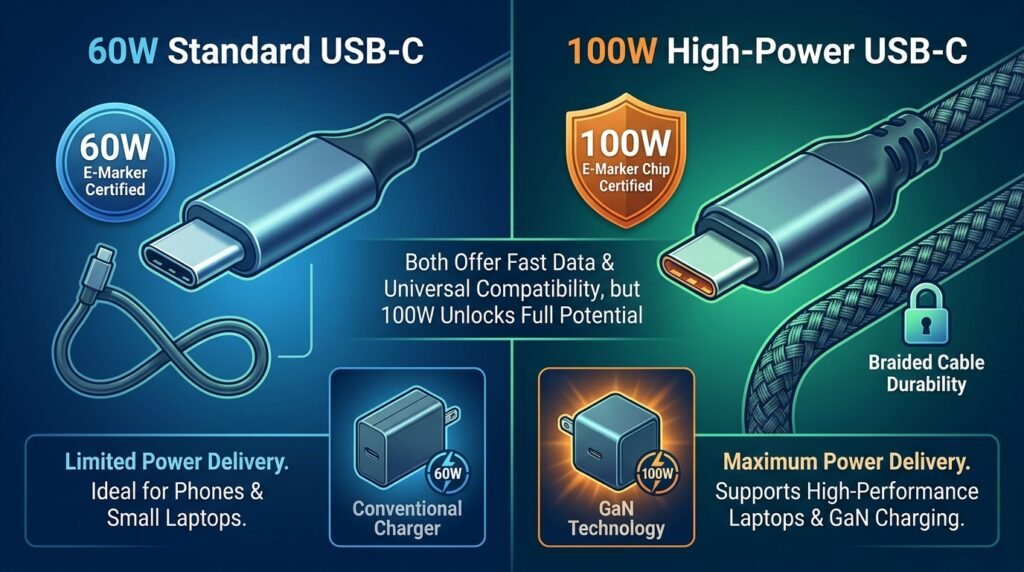
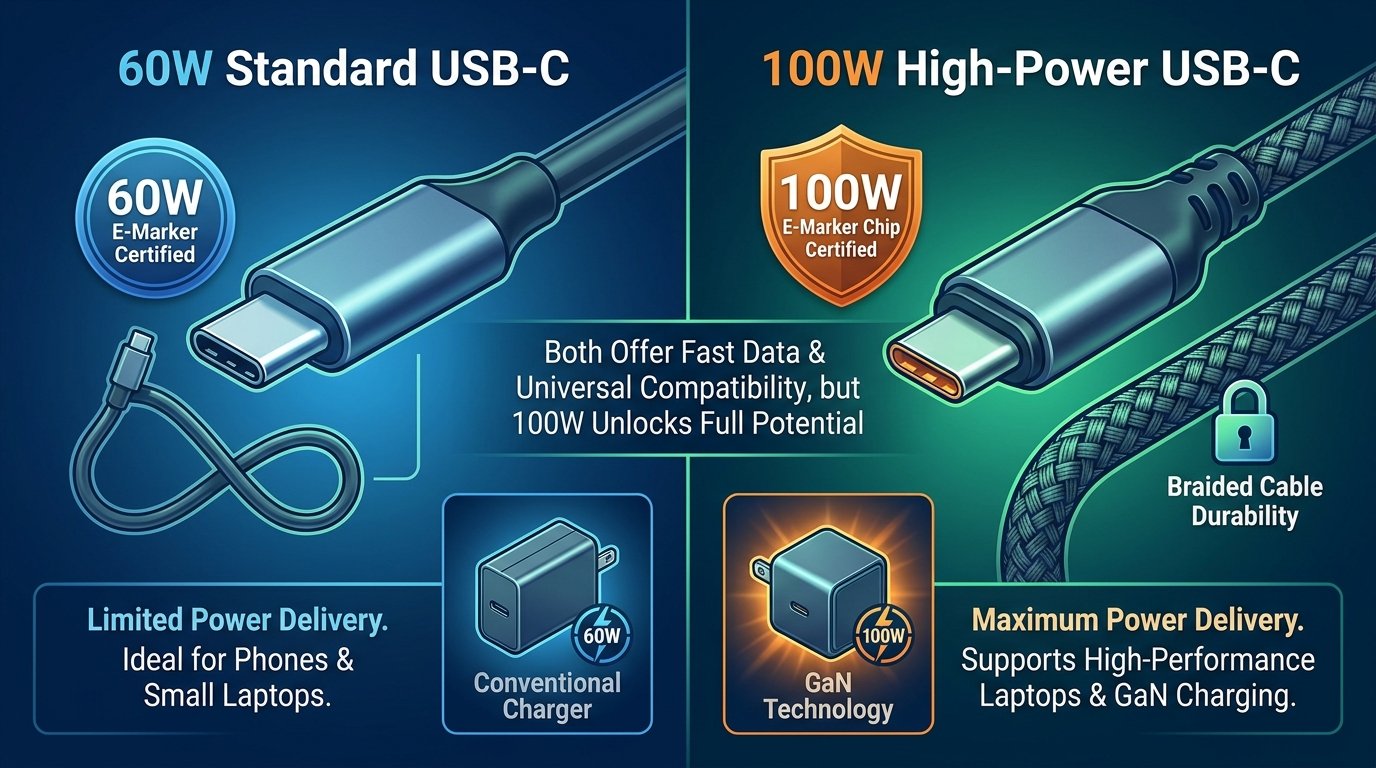
Standard USB-C to USB-C cables without specialized internal chipsets are rated for a maximum of 20V at 3A (60W). This is more than sufficient for fast charging almost all standard smartphones (including iPhones, Google Pixels, and standard Samsung Galaxy devices requiring 25W-30W).
100W (5A) Cables
To safely carry power higher than 60W (up to 20V at 5A = 100W), cables must feature thicker gauge internal copper wire conductors (typically 20-22 AWG for power lines) and a specialized embedded microcontroller known as an E-Marker chip.
240W Extended Power Range (EPR) Cables
Introduced in the USB Power Delivery 3.1 specification, EPR cables are engineered to handle high voltages up to 48V at 5A (240W). Buying a 240W-rated cable guarantees maximum future-proofing across smartphones, power banks, and high-performance gaming laptops.
Gallium Nitride (GaN) Chargers: Single-Port vs. Multi-Port Dynamic Allocation
When choosing a fast charger brick for your Android phone, modern GaN (Gallium Nitride) technology is mandatory for maximum thermal efficiency and compact sizing. However, understanding multi-port power allocation is critical.
Dynamic Power Sharing in Multi-Port Chargers
A multi-port charger advertised as “65W GaN Charger” rarely delivers 65W out of every port simultaneously. Internal power management integrated circuits dynamically split wattage based on active connections:
- Single Device Plugged In (C1): Delivers full 65W output (ideal for laptops or super-fast phone charging).
- Two Devices Plugged In (C1 + C2): Splits output to 45W on Port C1 (laptop/phone) and 20W on Port C2 (secondary phone/earbuds).
- Three Devices Plugged In (C1 + C2 + USB-A): Splits output to 45W (C1), 7.5W (C2), and 7.5W (USB-A).
Brand-Specific Fast Charging Protocols & Cable Compatibility
Before purchasing a third-party charger or cable, you must match it to your specific phone brand’s required protocol:
1. Samsung Super Fast Charging 2.0 (45W)
To achieve maximum 45W charging on Samsung Galaxy Ultra devices, a charger must support USB-PD 3.0 PPS with a specific output profile of 9V/5A or 15V/3A, and it MUST be paired with a 5A / 100W E-Marker USB-C cable. Using a 3A cable caps Samsung charging at 25W regardless of charger wattage.
2. Google Pixel Fast Charging (30W / 45W)
Google Pixel devices adhere strictly to standard USB Power Delivery (USB-PD 3.0) and PPS profiles. Pixels do not use proprietary protocols, making them compatible with any standard certified USB-PD charger.
3. Proprietary Ecosystems (OnePlus, Xiaomi, OPPO, Vivo)
Brands using SuperVOOC or HyperCharge require proprietary high-current negotiation protocols. To reach full 80W-120W speeds, you must use the original manufacturer brick and a specialized high-current USB-A-to-C or USB-C-to-C cable featuring proprietary pin configurations.
Cable Durability: Materials, Gauge, Strain Relief, and Construction
A cable’s lifespan depends heavily on its mechanical design and structural materials:
- Braided Nylon Outer Jackets: Double-braided ballistic nylon sheathing protects against internal wire twisting, friction abrasion, and pet chewing compared to cheap PVC cables.
- Reinforced Strain Relief: The junction where the cable wire enters the metal connector plug is the most common point of failure. Look for extended flexible TPU or rubber strain relief boots rated for 10,000+ bend lifespans.
- AWG Gauge Copper Wiring: Lower American Wire Gauge numbers (e.g., 20 AWG vs. 28 AWG) indicate thicker internal copper conductors, reducing internal resistance and voltage drop over longer cable lengths (2 meters+).
Essential Safety Certifications & Quality Labels
Uncertified cheap cables and low-quality knockoff wall chargers pose serious electrical fire and device damage hazards. Always look for official safety certification logos printed on the charger body and packaging:
| Certification Mark | Governing Body / Region | What It Guarantees |
|---|---|---|
| USB-IF Certified | USB Implementers Forum | Electrical compliance, pin tolerance, signal integrity, & safety standards |
| UL Listed (or ETL) | Underwriters Laboratories (USA) | Independent testing against electrical shock, over-current, and fire hazards |
| CE / RoHS Compliance | European Union | Meets EU safety, health, environmental protection, & restricted hazardous materials laws |
| FCC Certification | Federal Communications Commission (USA) | Prevents electromagnetic interference (EMI) with wireless signals and appliances |
Comprehensive USB Cable & Charger Selection Matrix
| Cable Type | Max Power Delivery | Max Data Speed | E-Marker Chip? | Best Primary Use Case |
|---|---|---|---|---|
| Basic USB-C to USB-C (3A) | 60W (20V/3A) | USB 2.0 (480 Mbps) | Not Required | Standard Pixel, Base Galaxy, and iPhone 15/16 charging |
| High-Power 5A Cable | 100W (20V/5A) | USB 2.0 (480 Mbps) | Mandatory | Samsung Galaxy 45W Super Fast Charging 2.0 & Laptops |
| Next-Gen EPR Cable | 240W (48V/5A) | USB 2.0 or USB 3.2 | Mandatory (EPR Chip) | Ultimate future-proofing across laptops, power banks, & phones |
| USB 3.2 Gen 2 High-Speed | 100W (20V/5A) | 10 Gbps (1050 MB/s) | Mandatory | High-speed phone to PC video/photo backups & external SSDs |
| USB4 / Thunderbolt 4 Cable | 100W to 240W | 40 Gbps to 80 Gbps | Mandatory | DisplayPort Alt-Mode monitor docks & workstation setups |
5-Step Checklist Before Buying USB-C Gear
- Check Device Max Input: Determine your Android phone’s maximum supported charging wattage (e.g., Pixel 8 Pro = 30W, Samsung S24 Ultra = 45W).
- Verify PPS Support: If you own a Samsung or Google device, ensure the wall brick explicitly lists USB-PD 3.0 PPS support.
- Confirm 5A E-Marker Rating for 45W+ Charging: Ensure your USB-C cable is explicitly marked as a 5A / 100W or 240W cable if you require speeds above 30W.
- Select the Right Cable Length: Keep high-speed data cables under 1 meter (3.3 ft) for maximum signal integrity. For bed or desk charging cables, 2-meter braided 100W power cables are ideal.
- Look for Reputable Brands & Safety Labels: Stick to established peripheral manufacturers (such as Anker, UGREEN, Baseus, Belkin, or Satechi) that provide independent safety testing certifications.
Conclusion
Investing in high-quality USB-C cables and GaN chargers is essential to ensure fast, safe, and efficient power delivery for your Android devices. By selecting chargers with certified USB-PD 3.0 PPS capability and pairing them with E-Marked, braided copper cables, you will maximize charging speeds, prevent unwanted device heat, and safeguard your smartphone’s battery health for long-term reliability.
