
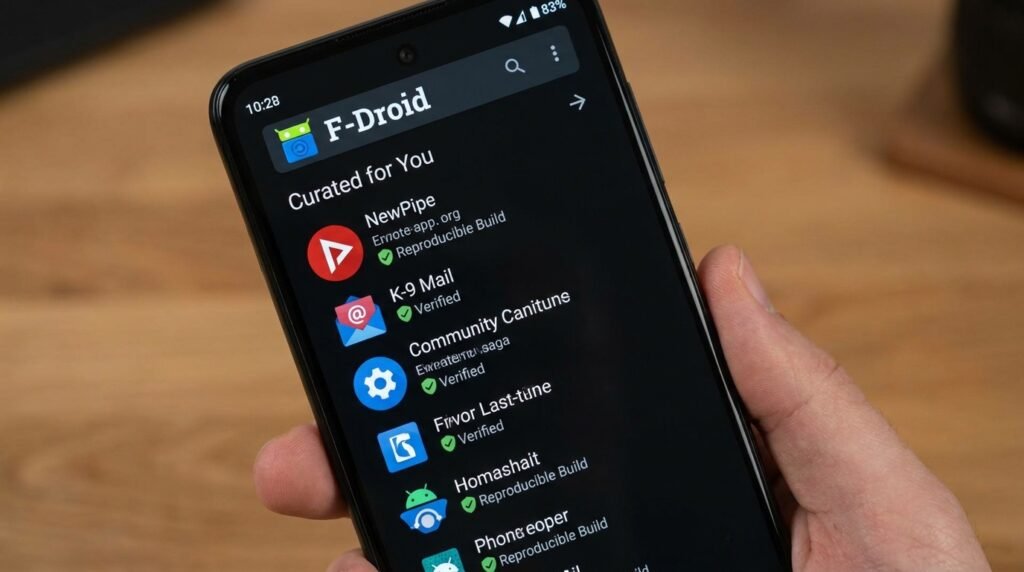
Best Open-Source Android Apps for Privacy Purists in 2026 (F-Droid & GitHub)
The Rise of Open-Source Software (FOSS) on Android in 2026
Finding the right open source for your Android device can make a real difference in your daily productivity and experience. In this guide, we have tested and reviewed the top options available in 2026, so you can make an informed decision without spending hours researching.
This guide breaks the topic down into simple steps that anyone can follow.
In an era dominated by invasive user tracking, continuous background telemetry, and ad-monetized mobile applications, Android users are increasingly turning toward Free and Open-Source Software (FOSS). Unlike closed-source applications found on conventional app stores—which often bundle hidden analytics toolkits, aggressive data brokers, and proprietary tracking SDKs—open-source software grants users complete transparency. Every line of underlying source code is public, allowing independent security researchers, privacy advocates, and global developer communities to continuously audit, inspect, and verify the integrity of the application.
By 2026, the ecosystem of open-source Android applications has matured from niche command-line experiments into polished, enterprise-grade software capable of outperforming closed-source commercial alternatives. From hardened web browsers and private media engines to encrypted two-factor authenticators, offline map navigators, and localized firewalls, opting for FOSS software guarantees that your device belongs to you—not to corporate ad networks or telemetry harvesting servers.
Understanding FOSS Software Licensing: GPL vs MIT vs Apache vs AGPL
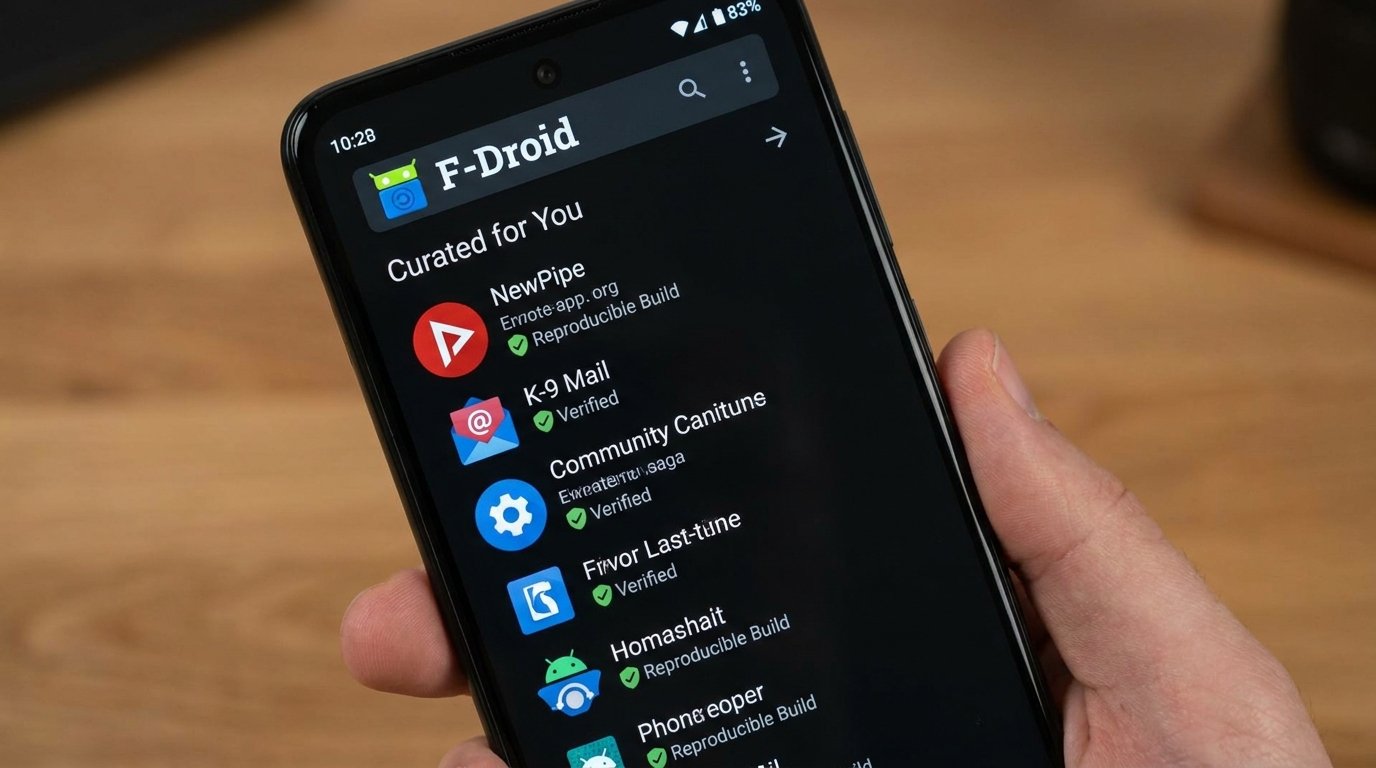
When navigating open-source repositories, understanding the software license attached to an application helps users understand their rights and developer obligations. Software licenses govern how code can be modified, redistributed, and audited:
- GNU General Public License (GPLv3): A copyleft license requiring that any modified versions or derivative works of the software must also be released under the same open GPL license, preventing commercial proprietary re-packaging.
- Affero General Public License (AGPLv3): Designed specifically for network-hosted software (such as Signal servers), requiring cloud operators to publish full source code even if the software is only accessed over a network connection.
- Apache License 2.0: A permissive open-source license allowing commercial reuse, modification, and redistribution, provided original copyright notices and patent grants are preserved.
- MIT License: One of the most simple and permissive licenses, granting unlimited rights to use, copy, modify, merge, publish, and distribute the code with minimal restrictions.
Essential Open-Source App Repositories: Beyond Google Play
To fully embrace open-source mobile software, users must look beyond standard application storefronts. Proprietary app stores frequently mandate integration with Google Play Services frameworks, restricting app functionality or injecting mandatory push notification handlers. Privacy-focused power users rely on dedicated FOSS distribution platforms:
F-Droid (The Free and Open Source Software Catalog)
F-Droid stands as the flagship alternative software repository for Android. Operating as a non-profit, community-maintained project, F-Droid enforces strict inclusion policies. Every application hosted within F-Droid’s main repository must be strictly open-source, compiled entirely from clean source repositories by F-Droid’s automated build servers, and free of proprietary trackers. Furthermore, F-Droid explicitly flags “Anti-Features”—such as non-free network services, tracking telemetry, or upstream dependencies—directly on the app installation screen, giving users complete informed consent before installation.
Aurora Store (Anonymized Play Store Client)
While F-Droid caters exclusively to open-source software, users often require access to legacy or region-specific applications hosted on the Google Play Store. Aurora Store serves as an open-source, elegant client interface that allows users to search, download, and update apps directly from Google Play servers without logging into a personal Google account or running background Play Services telemetry daemons. Aurora Store spoofs device profiles and routes requests anonymously, preventing device fingerprinting and account flagging.
Deep-Dive Review of Top FOSS Android Applications
1. NewPipe – Privacy-Focused Media Streaming Engine
NewPipe has long been regarded as the gold standard for third-party media playback on Android. Built ground-up without relying on Google Play Services or proprietary media API frameworks, NewPipe parses raw site metadata directly to deliver a lightning-fast, ad-free streaming experience without tracking user watch histories.
Key features include native background audio playback, pop-up floating video player controls, high-resolution media downloading (up to 4K video and lossless audio extractions), local subscription management via OPML imports, custom frame rate selection, and zero tracking cookies. Because NewPipe operates independently of user accounts, your viewing preferences and history remain stored locally in encrypted device memory.
2. Cromite – Hardened Chromium Web Browser
A direct successor to the renowned Bromite project, Cromite brings enterprise-grade privacy hardening to the Chromium rendering engine. While mainstream Chrome tracks user browsing patterns, logs location coordinates, and injects proprietary ad telemetry, Cromite removes all telemetry endpoints, disables Google Sync daemons, and incorporates powerful, built-in ad-blocking rules based on uBlock Origin syntax filters.
Cromite introduces aggressive fingerprinting mitigation techniques, canvas noise injection, DNS-over-HTTPS (DoH) support, strict HTTPS-only enforcement, customizable user-agent strings, and specialized AMOLED dark mode rendering engines. For privacy purists who prefer Chromium’s rendering speed and web standard compatibility over Firefox, Cromite provides the ultimate balance between high-speed web browsing and strict data isolation.
3. NetGuard – Advanced Open-Source Firewall
NetGuard is a sophisticated, rootless firewall application that grants users granular control over internet access for every application installed on their Android device. By establishing a local VPN interface on the phone, NetGuard intercepts all incoming and outgoing network traffic without sending data to external VPN servers.
Users can individually permit or block Wi-Fi and mobile data access for specific apps, block background app phoning home behaviors, filter domain names using custom hosts files, and monitor live network traffic logs in real time. NetGuard is essential for disabling network access to offline utility applications, calculator apps, or games, preventing concealed ad downloads and telemetry reporting entirely.
4. Aegis Authenticator – Secure & Encrypted Two-Factor Authentication
Two-factor authentication (2FA) is vital for account security, but relying on proprietary 2FA apps like Google Authenticator or Authy poses data lock-in and cloud privacy risks. Aegis Authenticator is an open-source, feature-packed alternative for managing your One-Time Password (OTP) tokens (HOTP and TOTP).
Aegis stores your secret keys in a strongly encrypted vault secured with AES-256-GCM encryption, accessible via biometric authentication or master password PINs. It supports automatic encrypted local backups, custom icon mapping, biometric quick-unlocking, and seamless JSON/URI vault exports, ensuring you maintain absolute control over your authentication credentials without cloud dependence.
5. Signal – Gold Standard Encrypted Communication
When it comes to end-to-end encrypted messaging, voice calls, and video communication, Signal remains the undisputed global industry benchmark. Developed by the non-profit Signal Foundation, Signal’s cryptographic protocol is fully open-source and independently peer-reviewed by international cryptographers worldwide.
Signal encrypts all metadata, message payloads, voice packets, and media files end-to-end. Features like disappearing messages, custom PIN locks, screen security protection (preventing app screenshots), sealed sender metadata protection, and encrypted group calls make Signal mandatory for privacy advocates, journalists, and security-conscious individuals.
6. AntennaPod – Open-Source Podcast Manager
AntennaPod is an easy-to-use, flexible, and completely open-source podcast manager and player. Unlike commercial podcast platforms that track your listening habits, insert programmatic audio ads, and restrict feed access, AntennaPod connects directly to RSS feeds across millions of independent podcasts worldwide.
It supports seamless gpodder.net and Nextcloud synchronization, custom download schedules, advanced playback controls (variable speed adjustments, silence skipping, volume boost), automated queue management, and sleep timers. AntennaPod requires zero account registration and contains absolutely no advertisement trackers.
7. Organic Maps – Offline OpenStreetMap Navigation
For users seeking an open-source alternative to Google Maps, Organic Maps provides crowd-sourced offline navigation powered by OpenStreetMap data. Containing no tracking telemetry, no background data collection, and no ad popups, Organic Maps downloads entire country maps directly to your device storage.
It offers turn-by-turn voice navigation for driving, cycling, and walking, detailed hiking trails, elevation profiles, bookmark management, and dark mode display rendering, operating flawlessly in complete off-grid conditions.
My take: if offline maps are a priority, download your region’s maps over Wi-Fi before you travel so navigation works without a mobile connection.
Open-Source Android App Security & Audit Matrix
The table below summarizes the licensing and key security advantages of these top open-source apps:
| Application Name | Primary License | Key Security Advantage |
|---|---|---|
| NewPipe | GPL-3.0 | Zero Play Services dependence; no watch history telemetry |
| Cromite | GPL-3.0 | Hardened Chromium engine with fingerprinting protection |
| NetGuard | GPL-3.0 | Rootless firewall blocking app phoning home attempts |
| Aegis Authenticator | GPL-3.0 | AES-256 encrypted local vault with biometric protection |
| Signal | AGPL-3.0 | Gold standard end-to-end encryption & sealed sender metadata |
| AntennaPod | GPL-3.0 | Direct RSS feed parsing without centralized ad tracking |
| Organic Maps | Apache-2.0 | Offline OpenStreetMap navigation with zero data harvesting |
How to Safely Install and Maintain FOSS Apps on Modern Android
Transitioning to open-source software requires configuring Android to safely manage third-party software installation sources while maintaining system updates. Follow these essential steps:
- Enable Unrestricted App Installation for F-Droid: Navigate to Settings > Apps > Special App Access > Install Unknown Apps. Select F-Droid or your browser of choice and toggle on Allow from this source.
- Add Custom F-Droid Repositories: Enhance your application catalog by adding verified third-party repositories (such as the Guardian Project or IzzyOnDroid) inside F-Droid’s repository settings menu via HTTPS URLs.
- Verify APK Signature Hash Checksums: When downloading application packages directly from developer GitHub release pages, always calculate the cryptographic SHA-256 hash of the downloaded `.apk` file using terminal commands (`certutil -hashfile app.apk SHA256` on Windows) and compare it against the developer’s signed checksum.
- Configure Unattended Background Updates: Modern Android versions support unattended background software updates for alternative app stores that implement standard session installation APIs, keeping your FOSS apps continuously patched without manual user interaction.
Frequently Asked Questions (FAQ)
Do open-source Android apps drain more battery than standard apps?
In many cases, open-source applications tend to drain less battery than closed-source commercial apps. FOSS software typically excludes background ad networks, continuous telemetry, and other background processes that consume power.
Can F-Droid coexist with the Google Play Store on the same phone?
Yes, F-Droid and the Google Play Store operate completely independently on Android. You can install F-Droid applications alongside standard Play Store applications without conflicts. If an application exists on both storefronts, ensure it is updated through the platform from which it was originally installed.
What happens if a developer stops maintaining an open-source app?
Because the source code is completely public, when a maintainer abandons a popular open-source project, other developers from the global community can “fork” the repository, take over development, fix bugs, and release updated software packages smoothly.
Why are some popular FOSS apps not available on the Google Play Store?
Google Play Store policies often restrict applications that bypass YouTube advertisements (like NewPipe), block system-wide network traffic (like NetGuard), or provide alternative app installation frameworks (like F-Droid). Hosting on independent repositories like F-Droid allows developers to offer full functionality without corporate policy restrictions.
How do I back up data across open-source applications when switching phones?
Most premier FOSS applications include native, encrypted backup tools. For instance, Aegis Authenticator provides encrypted JSON vault exports, NewPipe exports user subscriptions and playlists via `.db` database dumps, and AntennaPod exports podcast subscriptions via standard OPML XML files. Save these backup files to encrypted external storage for easy restoration on new devices.
Conclusion
Taking control of your digital privacy on Android does not require sacrificing convenience or software quality. By adopting open-source applications like NewPipe, Cromite, Aegis Authenticator, NetGuard, Signal, AntennaPod, and Organic Maps, privacy-conscious Android users can build a hardened, tracker-free mobile environment in 2026. Explore F-Droid and GitHub today to unlock the true open power of the Android platform.
This guide was compiled by APKMales’ editorial team from publicly available documentation and developer-published information. It is presented in accordance with our Editorial Policy and Privacy Directives.
Final thoughts: that’s an overview of the key open-source apps for privacy on Android. If you discover something we missed, we’d love to hear about it in the comments.
Have questions or want to share your own experience? Drop a comment below or reach out to our team. We read every message. You can also learn more about our editorial approach on our About Us page.
