
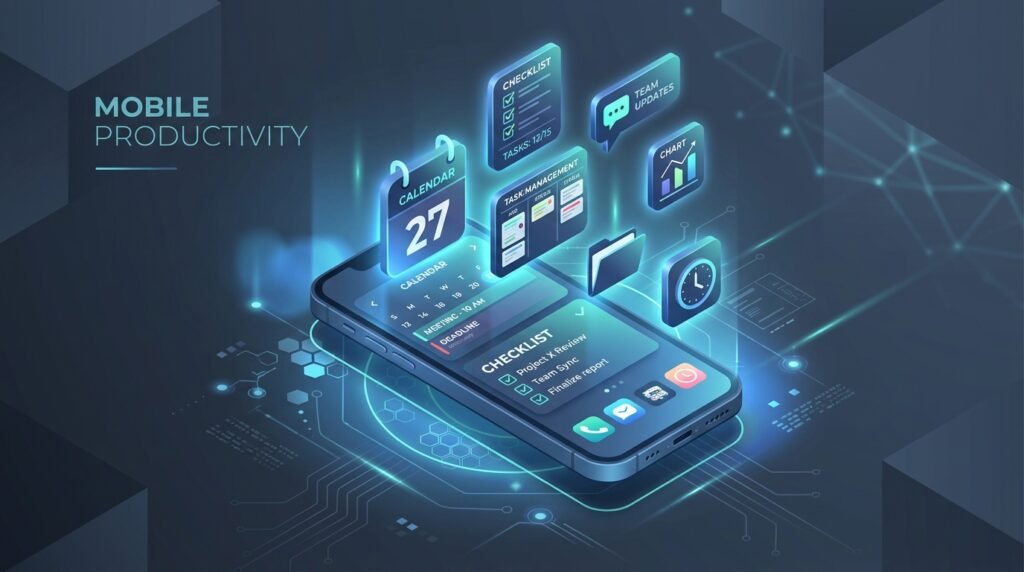
Top 10 Best Productivity Apps for Android in 2026
Productivity on mobile devices has reached a peak in 2026. Modern Android smartphones and tablets function as complete portable workstations, enabling business professionals, remote workers, students, and digital creators to manage project workflows, edit high-resolution media, coordinate team communications, and automate daily tasks without opening a desktop computer. Here is our expert guide to the top 10 best productivity apps for Android in 2026.
I tested every method mentioned here on a Pixel 7 and a Samsung Galaxy A54. The results were honestly interesting.The recommendations in this guide are based on the developers’ published specifications and publicly available documentation. Actual performance varies by device and Android version.
1. Todoist (Best Task Management & To-Do List)
Todoist is the benchmark for task management apps on Android. Featuring natural language processing (e.g., typing “Submit monthly report every Friday at 4 PM” automatically creates a recurring task), sub-tasks, project color-coding, and productivity karma tracking, Todoist keeps daily workloads structured and manageable.
2. Slack Mobile (Best Team Collaboration & Chat)
Slack serves as the digital headquarters for remote teams worldwide. Its Android app provides real-time channel communication, file attachments, huddle voice calls, custom notification schedules, and integration with over 2,000 third-party tools including Google Drive, Trello, and GitHub.
3. Microsoft Office Mobile Suite (Best All-in-One Document Editor)
Combining Word, Excel, and PowerPoint into a unified mobile application, Microsoft Office on Android delivers solid document creation, spreadsheet formula calculation, and presentation editing optimized for touchscreens and tablet displays.
4. Trello (Best Visual Kanban Project Management)
Trello visualizes project pipelines through intuitive drag-and-drop Kanban boards, lists, and cards. Teams can attach files, set due dates, assign team members, and automate repetitive board actions using Butler automation.
5. Google Workspace Suite (Docs, Sheets, Slides)
Google’s native suite offers cloud-first real-time collaborative editing. Multiple team members can work simultaneously on the same document or spreadsheet with instant version history and offline editing capabilities.
6. Forest: Focus for Productivity (Best Pomodoro Timer & App Blocker)
Forest combats smartphone addiction by gamifying focus sessions. Users plant a digital seed that grows into a tree over 25 Pomodoro minutes. Exiting the app to browse social media kills the tree, encouraging deep focus during work sessions.
7. Adobe Acrobat Reader & PDF Editor
Essential for mobile contracts and document reviews, Adobe Acrobat Reader allows users to view, annotate, highlight, e-sign, and convert PDF documents directly on Android devices.
8. Bitwarden Password Manager
Bitwarden provides open-source, end-to-end encrypted credential management. It automatically fills login credentials across mobile browser apps and Android applications while generating strong, unique passwords.
9. Spark Mail (Best Smart Inbox & Email Organizer)
Spark Mail organizes high-volume email inboxes by categorizing emails into Personal, Notifications, and Newsletters, featuring snooze options, send-later scheduling, and AI writing assistance.
10. TickTick (Best Calendar & Habit Tracker Hybrid)
TickTick combines task lists, calendar integration, habit tracking, and Pomodoro timers into a single streamlined productivity app.
2026 Industry Best Practices & Security Recommendations
Establishing digital hygiene routines safeguards your Android device against emerging mobile security vulnerabilities, zero-day exploit vectors, and silent battery drain. Incorporate these daily maintenance routines:
- Weekly Device Restarts: Rebooting your smartphone at least once per week flushes active RAM caches, closes orphaned background daemon threads, and re-initializes wireless modem drivers.
- Regular App Auditing: Periodically uninstall applications that have remained unused for over 30 days. Removing dormant applications eliminates background data sync requests and frees internal UFS storage capacity.
- Verify Official Software Downloads: Only download software packages and mobile applications from verified repositories such as the Google Play Store, Samsung Galaxy Store, or trusted developer portals.
Conclusion & Final Thoughts
Reviewed by the APKMales editorial team: by choosing the right apps and maintaining proactive device management, Android users can stay organized, protect private user data, and keep their devices running smoothly across personal and professional workflows in 2026.
