

Best Sleep Tracking Apps for Android in 2026
Your phone is a mediocre sleep laboratory and a surprisingly good sleep journal. That distinction matters more than which app you download, because most sleep apps will happily hand you a “sleep score” in the morning without ever telling you how shaky the measurement behind it is. A phone lying on your mattress can estimate when you moved and when you didn’t. It cannot read your brain waves, and anyone who implies otherwise is selling something.
None of that makes sleep tracking useless. If you go to bed at wildly different times, wake up groggy most days, or suspect your snoring is worse than your partner claims, a few weeks of tracked data can show you patterns you’d never spot from memory. This guide covers how the tracking actually works, which approach fits your situation, and the apps worth your time — framed honestly, because a sleep score built on guesswork can do more harm than no score at all.
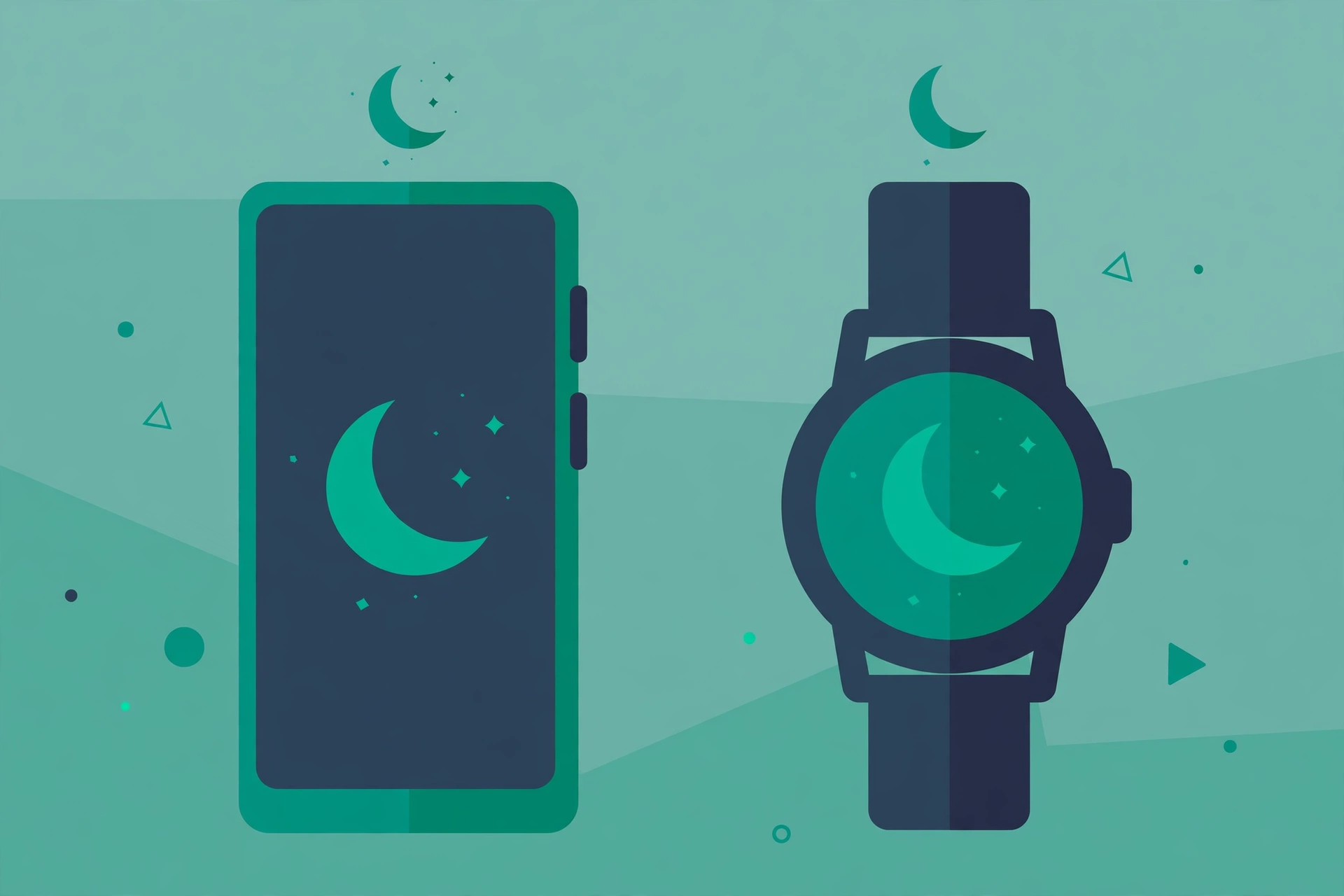
What Your Phone Can Actually Measure (and What It Can’t)
Phone-based sleep tracking leans on two or three sensors, and it helps to know which ones so you can judge what the results are worth. The accelerometer detects movement — stillness suggests sleep, restlessness suggests wakefulness. Some apps add sonar: the phone’s speaker emits ultrasonic pulses and the microphone listens for the reflections, which shift as your chest rises and falls. A few analyse sound — snoring, coughing, sleep talking — through the microphone.
From those signals, apps estimate sleep stages (light, deep, REM) using statistical models. Here’s the honest part: without heart-rate or brain-wave data, stage estimates are educated guesses. Research on consumer sleep tracking consistently finds that phones and wrist devices are decent at telling sleep from wakefulness and unreliable at the finer detail. Treat the nightly breakdown as a rough sketch, and treat trends over weeks — bedtime drifting later, wake-ups multiplying — as the genuinely useful output.
A wrist-worn device changes the equation somewhat. A smartwatch adds heart rate and heart-rate variability, which correlate more strongly with sleep stages than movement alone. The estimates are still not medical-grade, but they’re meaningfully less rough. The catch, of course, is that you have to actually wear the thing to bed, charge it, and sleep comfortably with it on.
Phone-Only or With a Watch? Make This Decision First
Before comparing apps, answer one question: will you wear something to bed every night? Be honest — “probably not” is a perfectly good answer, and it narrows the field usefully.
If the answer is no, you’re choosing among phone-only apps. They work by placing the phone on the mattress or bedside table overnight. Expect reasonable estimates of total sleep time and wake-ups, plus sound recording if you want it. Expect the stage breakdowns to be approximate, and expect to charge the phone in the morning — tracking all night does use battery.
If the answer is yes, and you already own a Fitbit, Pixel Watch, or Galaxy Watch, the companion app for your watch is almost always the better pick than a third-party phone app. The hardware was designed for this, the heart-rate data genuinely improves the estimates, and you don’t have to remember to start anything — most detect sleep automatically. Buying a watch for sleep tracking is a different calculation: it’s worth it if you’re already curious about your sleep and want the best consumer-grade picture available; it’s overkill if you just want to know roughly what time you fell asleep.
What to Look For When Choosing an App
App store listings all promise the same things — “advanced AI analysis,” “detailed sleep cycles,” “smart alarm.” Most of that is marketing fog. The things that actually separate good sleep apps from mediocre ones are more boring:
- How it handles being killed overnight. Android’s battery optimisation aggressively stops background apps, and a sleep app that gets killed at 3am records half a night. Whatever you choose, you’ll likely need to exempt it from battery optimisation — our guide to stopping Android from killing background apps walks through the settings on Samsung, Xiaomi, and others.
- Whether it explains its own limits. An app that presents its sleep stages with caveats is more trustworthy than one that presents a single magic number with total confidence. Confidence without evidence is a red flag in any health-adjacent app.
- What it does with microphone access. Sound-based tracking means the microphone is on all night. Check the app’s privacy policy and permissions — keep only what the feature needs, and review the rest using our app permissions guide.
- Export and ecosystem. If you use Google Fit or Health Connect, an app that syncs there keeps your health data in one place instead of locked in one app’s silo. Our roundup of the best fitness and health tracking apps covers the broader ecosystem these sleep apps plug into.
- The alarm. Many sleep apps include a “smart alarm” that wakes you in a light-sleep window. It’s a pleasant feature, but treat it as a gentle nudge rather than science — the window is estimated from the same rough data as everything else.
Six Apps Worth Knowing About
No single app is “the best” for everyone — the right one depends on the decision you made above. Here’s an honest field guide.
Sleep as Android — best for tinkerers who want control
The long-running enthusiast favourite. It supports sonar tracking, accelerometer tracking, wearable integrations, smart alarms with captcha-style wake-up tasks, snore recording, and more toggles than most people will ever touch. That depth is both its strength and its weakness: out of the box it can feel overwhelming, and getting reliable results takes some setup — phone placement matters, and you’ll want to sort out the battery optimisation exemption on day one. Best for someone who enjoys configuring things and wants the most capable phone-only tracker available.
Sleep Cycle — best for a simple, low-effort start
The mainstream pick: place the phone nearby, tap start, get a morning report. It uses sound analysis rather than mattress movement, which means the phone can sit on the nightstand instead of under your pillow — more comfortable, and one less thing to remember. The trade-off is that sound-based tracking is easily confused by a partner’s snoring, a noisy street, or a fan. Good as a first experiment to see whether you find sleep data interesting at all.
Fitbit app — best if you already wear a Fitbit or Pixel Watch
Google’s Fitbit app turns wearable data into sleep scores, stage breakdowns, and longer-term trends, and the heart-rate input makes its estimates more credible than phone-only methods. Automatic detection means no start/stop ritual. The honest caveat: the experience is designed around owning the hardware, and some of the deeper insights sit behind a subscription. Don’t buy into the ecosystem for sleep tracking alone — but if you’re already in it, this is the obvious choice.
Samsung Health — best for Galaxy Watch owners
The same logic as Fitbit, for Samsung’s ecosystem. If you sleep with a Galaxy Watch, Samsung Health’s sleep coaching features — which nudge you toward consistent bedtimes based on your tracked patterns — are genuinely useful, because consistency is the one sleep metric where consumer tracking is actually reliable. Like Fitbit, it’s a companion to hardware, not a reason to buy hardware.
SnoreLab — best for one specific question: do I snore?
SnoreLab does one thing: records and scores snoring through the night. It doesn’t pretend to map your sleep stages, and that focus is refreshing. If your partner has opinions about your snoring, or you’re curious whether lifestyle changes (side-sleeping, less late alcohol) actually quiet things down, a week of SnoreLab gives you a before-and-after you can trust more than memory. Think of it as a diagnostic tool, not a nightly habit.
Google Fit / Health Connect — best as a dashboard, not a tracker
Worth mentioning because of a common confusion: Google Fit doesn’t track sleep itself particularly well — it aggregates sleep data recorded by other apps through Health Connect. Its value is as a single dashboard if you use several health apps. If you’re choosing one app to actually do the tracking, pick one of the above and let it sync here.
Quick Comparison
| App | Method | Needs a wearable? | Best for |
|---|---|---|---|
| Sleep as Android | Sonar / movement / sound | No (optional) | Maximum control and features |
| Sleep Cycle | Sound analysis | No | Simple, low-effort first try |
| Fitbit app | Heart rate + movement | Yes | Existing Fitbit/Pixel Watch owners |
| Samsung Health | Heart rate + movement | Yes | Galaxy Watch owners |
| SnoreLab | Sound recording | No | Answering “do I snore?” |
| Google Fit | Aggregation | No | Dashboard for data from other apps |
Pricing changes often enough that quoting it here would go stale fast — check the Play Store listing for the current model before committing. Most of these use some form of free tier with paid features on top.
How to Read the Results Without Fooling Yourself
The most valuable thing a sleep app can teach you is not your REM percentage. It’s the boring stuff:
- Bedtime consistency. The single most reliable signal consumer trackers produce. If your bedtime swings by two hours between weekdays and weekends, that alone explains a lot of grogginess — no stage analysis required.
- Total sleep time vs. time in bed. Spending nine hours in bed and sleeping six is a different problem from sleeping six hours because you went to bed late. The gap between the two numbers points at the fix.
- Wake-up patterns. Waking at 3am every night for two weeks is worth noticing even if the app can’t tell you why. (Common culprits: alcohol, late caffeine, a too-warm room — the app shows the pattern; you supply the detective work.)
- Before-and-after experiments. Change one thing — no screens after 11pm, say — and watch two weeks of data. This is where tracking earns its keep: memory lies about whether something helped, and a chart doesn’t.
What to ignore: any single night’s “score,” precise stage percentages, and comparisons with other people’s numbers. Night-to-night variation is normal, and your 72 means nothing next to someone else’s 84. Android’s own Bedtime mode — part of Digital Wellbeing, which our Digital Wellbeing setup guide covers — pairs well here: use it to enforce the consistent bedtime, and let the tracker show you whether it’s working.
When Sleep Tracking Is a Bad Idea
Honest guidance includes the off-ramps. Skip the apps — or stop using them — in these situations:
- If the numbers make you anxious. There’s a documented phenomenon of people sleeping worse because they’re stressed about their sleep data. If checking your score becomes the first anxious moment of your day, delete the app. The tracker serves you, not the other way round.
- If you have a suspected sleep disorder. Loud nightly snoring with gasping, or overwhelming daytime sleepiness, deserves a real sleep study — a phone app cannot diagnose sleep apnoea, and treating its output as a diagnosis delays proper care.
- If the phone placement ruins your sleep. Some people sleep worse with a phone on the mattress or with the microphone on all night. A tracker that degrades the thing it measures has failed.
- If you won’t act on the data. Tracking without changing anything is just surveillance of your own bad habits. Two to four weeks of data, one experiment, then decide — that’s the whole programme.
Frequently Asked Questions
Can a phone really track sleep accurately?
Partially. Phones are reasonably good at estimating total sleep time and spotting wake-ups, but their sleep-stage breakdowns are rough estimates, not measurements. A smartwatch with heart-rate sensing does meaningfully better. None of them are medical devices, and none can diagnose sleep disorders.
Do I need a smartwatch for sleep tracking?
No. Phone-only apps like Sleep as Android and Sleep Cycle work without any wearable — you place the phone on the mattress or nightstand. A watch improves the estimates thanks to heart-rate data and enables automatic detection, but it’s an upgrade, not a requirement.
Why did my sleep app stop recording in the middle of the night?
Almost always Android’s battery optimisation killing the app while you slept. Exempt the app from battery optimisation in Settings, and check the manufacturer’s specific background-app settings — Samsung, Xiaomi, and others add their own layers on top of stock Android.
Will sleep tracking drain my battery overnight?
It uses some battery — the sensors and microphone run for hours — but a healthy phone should still wake up with plenty of charge. If yours doesn’t, the battery itself may be the issue rather than the app; our guide to checking Android battery health shows how to tell.
Is it safe to let an app listen all night?
Sound-based tracking needs microphone access, which is inherently sensitive. Use a reputable app, read its privacy policy to see where recordings go and how long they’re kept, and revoke the permission if you stop using the feature. As a rule, grant the minimum permissions any health-adjacent app needs and nothing more.
The Bottom Line
Pick the approach that matches your honesty about wearing a watch to bed, give it two to four weeks, and pay attention to trends rather than nightly scores. The best sleep app isn’t the one with the most impressive chart — it’s the one whose data actually changes a habit. And if the numbers start stressing you out more than they help, the correct move is the simplest one: delete the app and just go to bed.
