
Top 7 Best Photo Editing Apps for Android Photographers (2026)
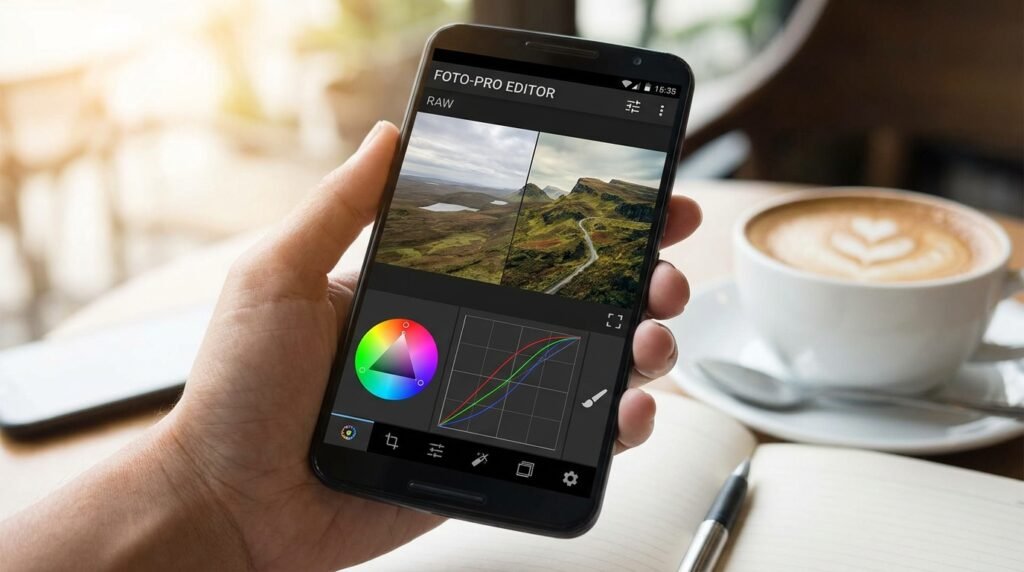
Mobile photography on Android has reached professional standards, powered by multi-lens camera systems, high-dynamic-range (HDR) sensor processing, and RAW DNG capture capabilities. To extract maximum clarity, color depth, and artistic style from smartphone photos, having desktop-grade photo editing applications installed on your Android device is essential. Here is our comprehensive evaluation of the top 7 photo editing apps for Android photographers in 2026.
1. Adobe Lightroom Mobile (Best for RAW Editing & Color Grading)
Adobe Lightroom Mobile remains the gold standard for mobile photo editing and color manipulation. Supporting full DNG RAW photo importing directly from native camera apps, Lightroom provides precise non-destructive editing controls over exposure, highlights, shadows, color HSL (Hue, Saturation, Luminance) curves, and camera profile calibrations. Its cloud syncing seamless integration allows photographers to start edits on Android smartphones and finish on desktop workstations.
2. Snapseed (Best Free Editor with Selective Controls)
Developed by Google, Snapseed offers a powerful 100% free photo editing suite with zero advertisements or subscription paywalls. Key features include its signature Selective Control Point technology, which allows editors to adjust brightness, contrast, and saturation on precise isolated areas of an image without altering the background. Additional tools include Healing brush, Structure, Perspective correction, and RAW develop controls.
3. VSCO (Best for Aesthetic Film Emulation Presets)
VSCO appeals to mobile photographers who desire timeless analog film aesthetics. Featuring a vast library of curated color profiles modeled after classic Kodak, Fuji, and Agfa 35mm film stocks, VSCO excels at subtle grain control, split-toning, and aesthetic color palettes perfect for portfolio publishing and social sharing.
4. PhotoDirector Mobile (Best AI Object Removal & Replacement)
PhotoDirector combines traditional photo retouching tools with latest generative AI features. Photographers can effortlessly remove photobombers, eliminate wire clutter, substitute overcast skies with vibrant sunsets, and expand image borders using generative fill without distorting main subjects.
5. Picsart AI Photo Editor (Best for Creative Design & Layer Editing)
For editors who combine photography with graphic design, Picsart provides multi-layer compositing, background cutouts, custom text overlays, and artistic brush filters. It is an all-in-one suite for crafting promotional graphics, album covers, and creative visual collages.
6. Canva (Best for Social Media Templates & Quick Publishing)
While primarily a design suite, Canva’s mobile editor enables photographers to quickly format photos into branded Instagram posts, YouTube thumbnails, and website banners with precision typography and drag-and-drop elements.
7. Darkroom for Android (Best Intuitive Touch Interface)
Darkroom delivers a streamlined touch interface optimized for Android tablets and foldable smartphones. Offering batch photo processing, album management, curve adjustments, and portrait depth-map editing, Darkroom facilitates rapid photo culling and retouching workflows for high-volume shoots.
