
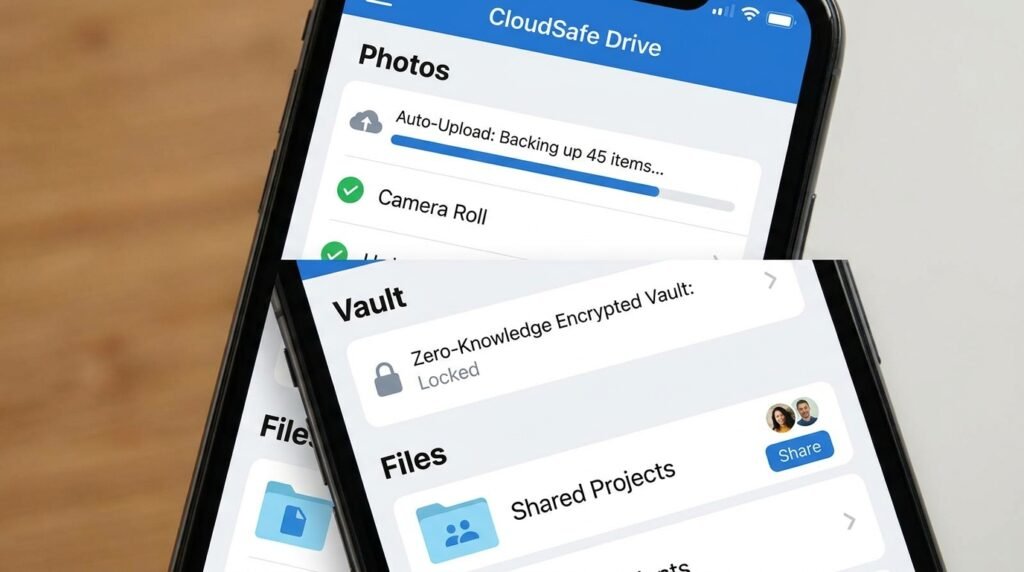
Top 5 Cloud Storage Apps for Android: Secure Your Files in 2026
Cloud storage has become an essential utility for Android smartphone users, providing secure automated backups for high-resolution camera photos, 4K videos, critical work documents, and system backups. Selecting the right cloud storage platform ensures your data remains encrypted, accessible across all desktop and mobile devices, and protected against device loss or hardware corruption. Here is our analysis of the top 5 cloud storage apps for Android in 2026.
1. Google Drive & Google One (Best Native Android Integration)
Google Drive comes pre-installed on virtually all Android smartphones, serving as the central storage hub for Google Photos backups, WhatsApp chat histories, and system settings. Offering 15 GB of free initial storage shared across Gmail and Drive, Google One subscription plans expand storage up to 2TB or 5TB, featuring additional benefits such as Google Photos editing tools and family storage sharing.
2. Proton Drive (Best Zero-Knowledge End-to-End Encryption)
For privacy-conscious Android users, Proton Drive sets the standard in cloud security. Built around zero-knowledge end-to-end encryption, Proton Drive encrypts your files client-side on your device before transmission. Not even Proton’s server operators can access, view, or scan your stored documents or photos, guaranteeing absolute personal data sovereignty.
3. Microsoft OneDrive (Best for Windows PC Sync & Office Users)
Microsoft OneDrive offers seamless integration for users operating Windows laptops and Samsung Galaxy smartphones. Its automatic camera roll backup features dedicated ransomware detection and file restoration, while Microsoft 365 subscribers receive 1TB of personal cloud storage alongside premium Word, Excel, and PowerPoint access.
4. Mega.io (Best Generous Free Storage Tier)
Mega remains extremely popular due to its generous free tier offering up to 20 GB of secure zero-knowledge cloud storage upon account creation. Mega features full file versioning, secure link sharing with custom passwords and expiration dates, and built-in encrypted chat functionality.
5. pCloud (Best Lifetime Storage Option & Media Streaming)
pCloud stands out by offering one-time payment lifetime storage plans (500GB or 2TB options) alongside traditional monthly subscriptions. Its native Android media player streams high-bitrate audio and video directly from your cloud vault without consuming local phone storage space.
Conclusion
Choosing the right cloud storage app for Android comes down to your priorities: Google Drive offers the tightest Android integration, Proton Drive leads on zero-knowledge privacy, OneDrive suits Microsoft 365 users, MEGA provides the most generous free tier, and pCloud offers lifetime plans. Enable automatic camera backup and two-factor authentication on whichever service you choose to keep your files safe and accessible.
